Configuring a Custom Check Ordering Interface
|
Screen ID: Screen Title: Panel ID: |
UCHKORD-01 Update Check Order Information 1752 |
|
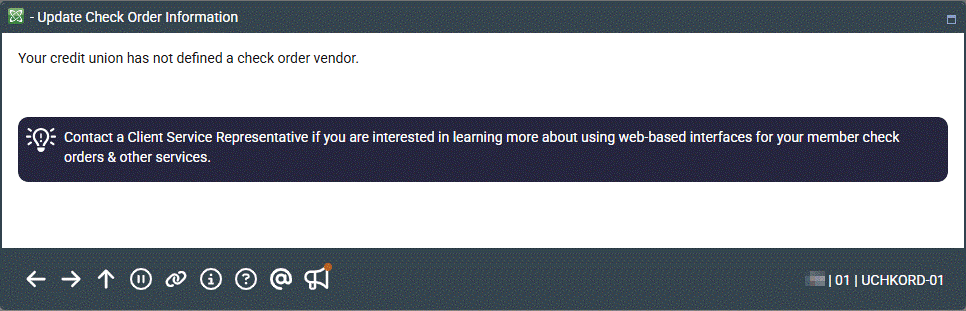
Access this screen by selecting Tool #204 Check Order Interface Configuration.
This screen appears when there are no parameters required for your check order vendor or if your credit union has not defined a check order vendor.
Check Ordering (booklet will open)
If you are not set up to use this interface, one of the following messages will appear instead:
There are no parameters required for your check order vendor.
OR
Your credit union has not defined a check order vendor.
The configuration to select Harland Clark, Main Street, Deluxe, Checks for Less, or CheckPrintingSolutions as your vendor is selected in OPER in the Credit Union Master Definition.
-
Click here to learn about setting up parameters for Harland Clarke.
-
Click here to learn about setting up parameters for Main Street (formerly Legacy Check Services).
-
Click here to learn about setting up parameters for Deluxe.
-
Click here to learn about setting up parameters for Bank-A-Count.
-
Click here to learn about setting up parameters for CheckPrintSolutions.