Updating Closed Membership Information (1)
|
Screen ID: Screen Title: Panel ID: |
UCMAST-01 Closed Master File Maintenance 1774 |
|
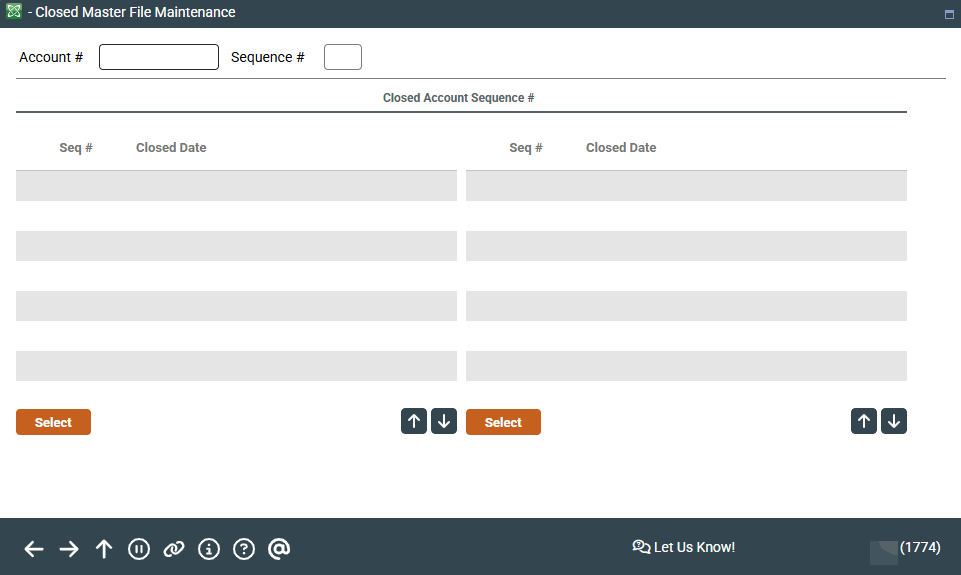
Access this screen by selecting Tool #888 Update Closed Membership Information.
This screen is the first of two used to update information on your credit union's closed master file (MSHIST) for closed memberships.
Enter the account base and press Enter to display a list of all sequences where that same membership has been closed (the time period depends on your credit union's data retention policies).
Select the desired sequence in the list and press Enter or Select to proceed to the next screen for individual memberships and this screen for organizational memberships.
-
HINT: If you know the sequence number already, you may simply type it along with the account base and press Enter to proceed directly to the next screen.