Email/Online Marketing Messages (2)
| Screen ID: |
UCMMSG-02 |
|
| Screen Title: |
Member Connect Message Maintenance |
|
| Panel ID: | 5677 | |
| Tool Number: | 497 | |
| View full-size screen |
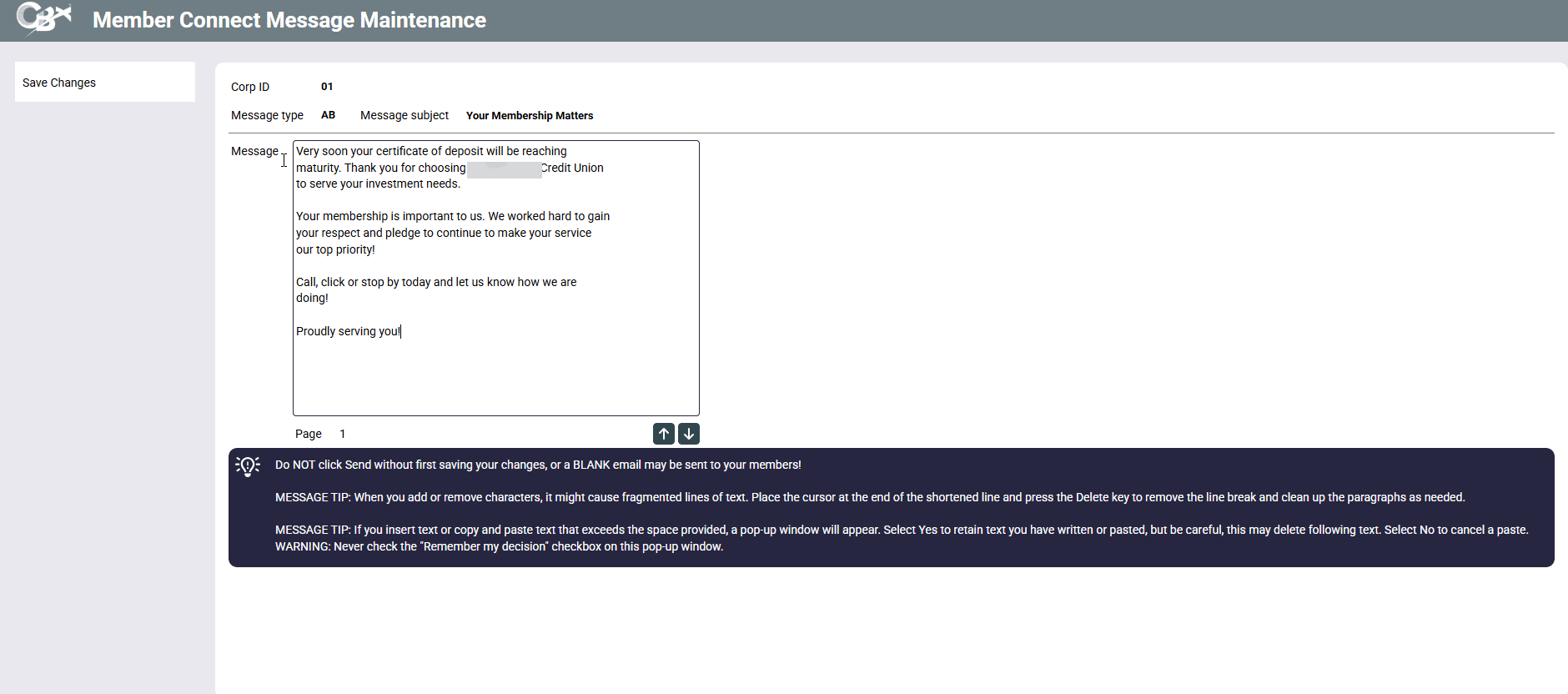
This screen appears after using View or Change buttons on the credit union message library screen. You will also use it when copying a message from the Member Connect message library.
Screen Overview
Use this screen to create the text of the email message. You may periodically press Enter to save the text you have entered so far.
-
To go to the next line press Ctrl and Enter at the same time.
When the message is ready, use Send to deliver the messages to all of the members in the database file. This will take you to the Send Message screen where you will select your sending options.
Related Resources
Learn how to send an eStatement email notification.
Special instructions on entering text in the Message text box.