Online Banking Message Text
|
Screen ID: Screen Title: Panel ID: |
UCOMM-04 Online Banking Message Text 5124 |
|
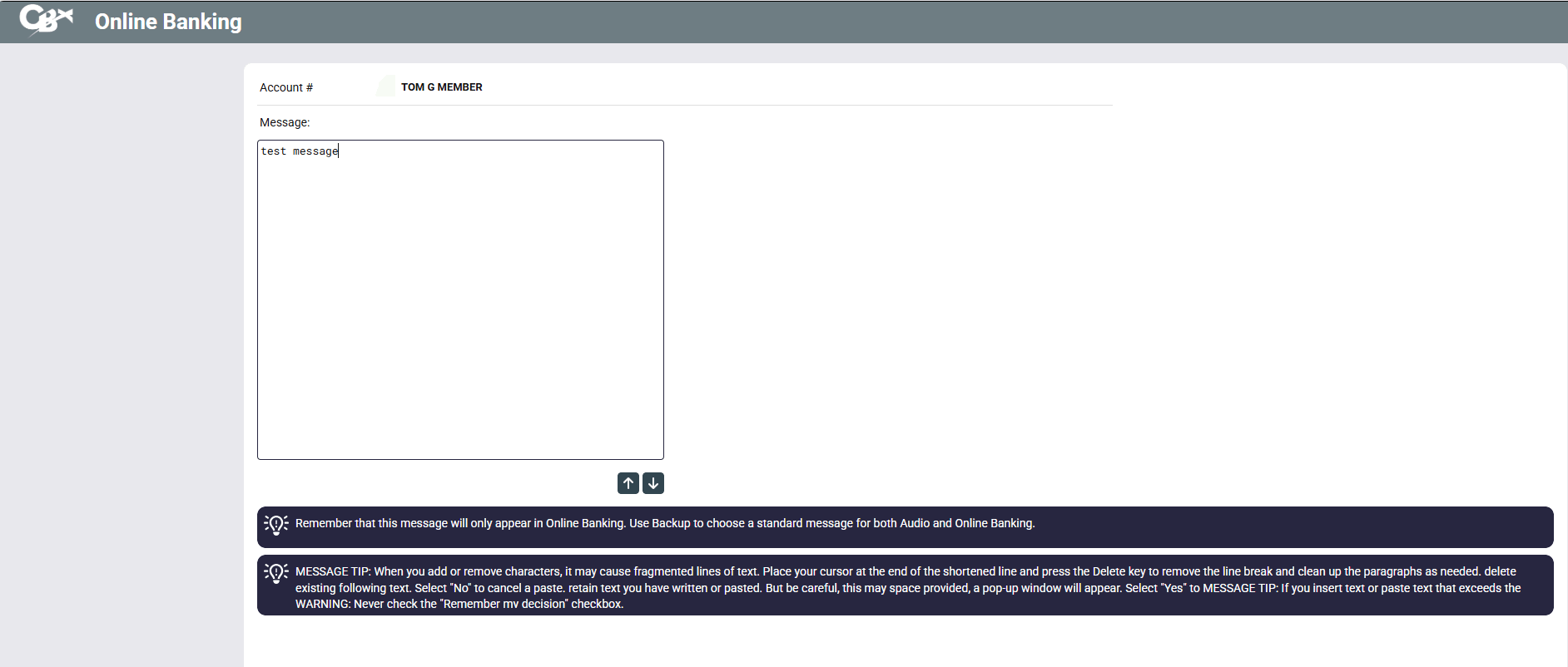
This screen appears when you choose message ID 99-Online Banking on the previous Online Banking Messages screen.
Use this screen to enter up to 2,700 characters of text. This message will be delivered to the member the next time he or she uses online banking. When done, press Enter to proceed to the final screen. NOTE: Leaving messages for members in Audio Banking is not supported.