Completing a CTR Form (Location Summary)
|
Screen ID: Screen Title: Panel ID: |
UCTRA-03 CTR Form 6557 |
|
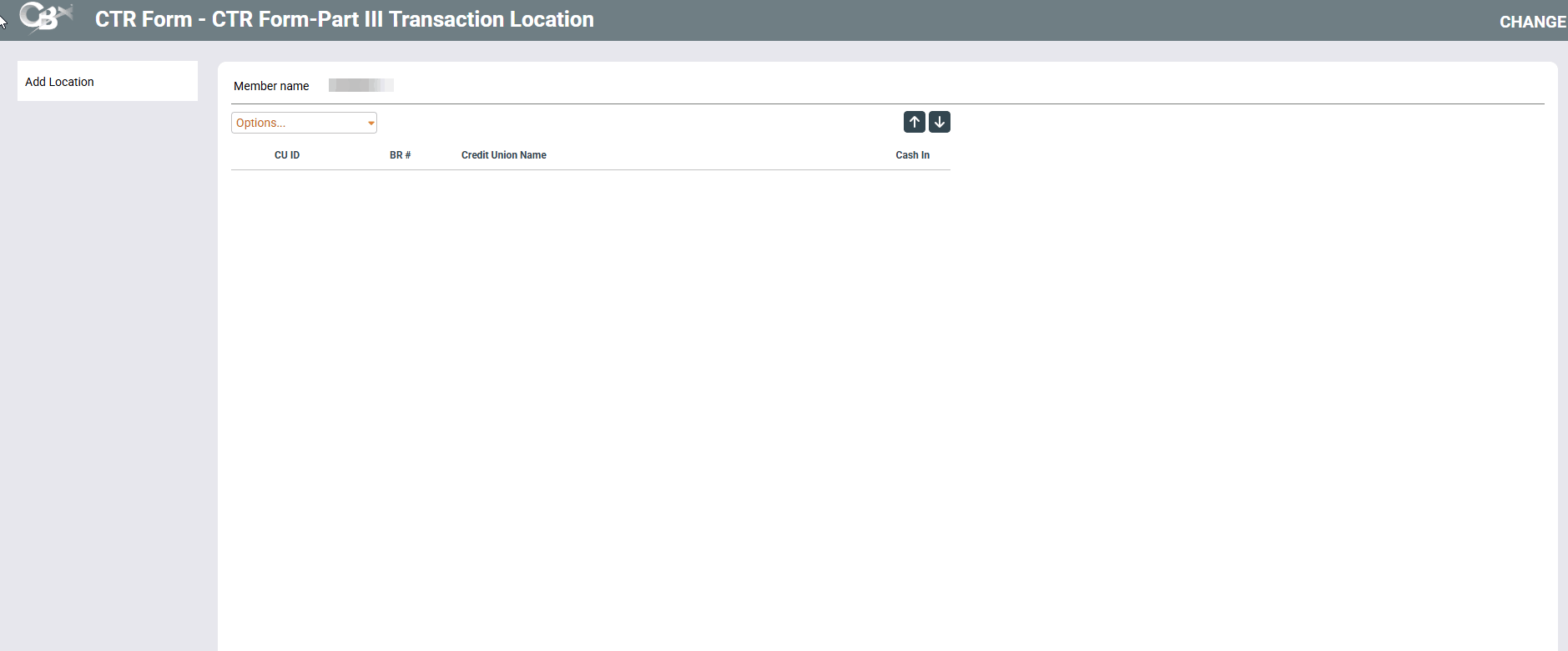
This screen appears after using Enter on the first CTR Forms screen when accessed only from the CTR dashboard screen access point.
-
For more information about CTR forms, including details about how to configure your BSA parameters to automatically generate forms when posting teller transactions, refer to the Bank Secrecy Act Monitoring Tools booklet.
This lists the existing locations assigned to this CTR. Press Enter to advance to the last CTR screen or use Add Location to add an additional location.