Activate CU Ballot
| Screen ID: | UCUBACTV-01 | 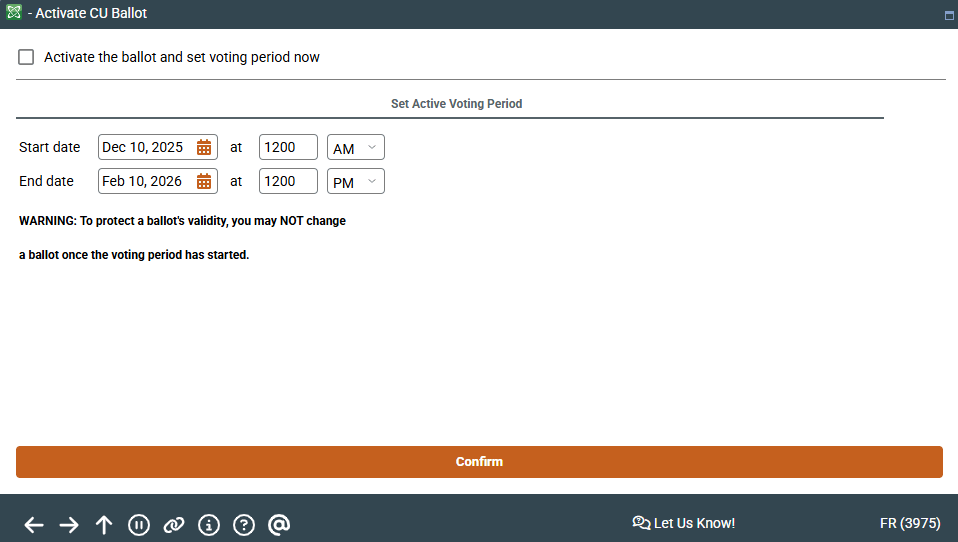
|
| Screen Title: | Activate CU Ballot | |
| Panel ID: | 3975 | |
| Tool Number: | 564 | |
| View full-size screen |
Access this screen by using Save from the Main Configuration screen.
Screen Overview
Check the checkbox to activate the ballot then use Confirm.
If you would like to change the voting range you may do it at this time.
The time is based on the System time on your CBX server. If your server runs on Eastern Standard time, for example, this time will be in ET.
If you do not want to activate the ballot at this time, do not check the checkbox, but simply use Confirm.