Configuring Data Center Employee IDs
| Screen ID: | UDCEMP-01 | 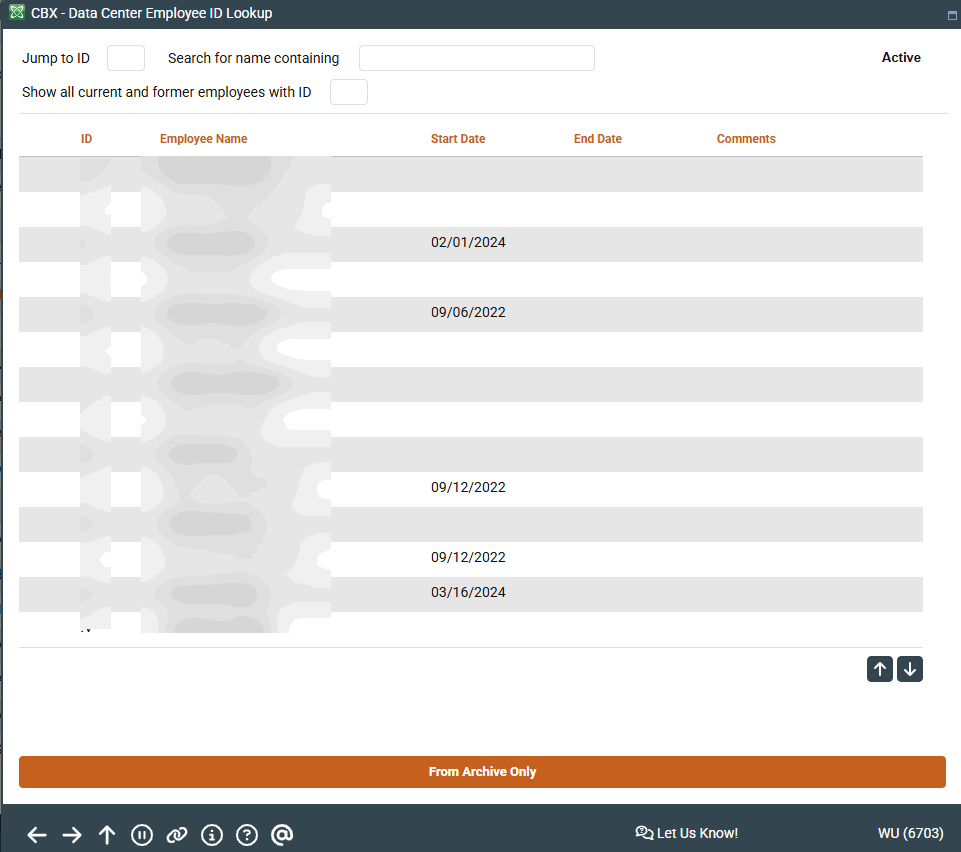
|
| Screen Title: | Configure Data Center Employees | |
| Panel ID: | 5386 | |
| Tool Number: | Multiple | |
| View full-size screen |
Access this screen by clicking Data Center Employees (DC Employees) from the Time-Out screen or the Employee Security Maintenance screen.
These screens are used to view and/or configure IDs and security settings for employees of your data processing vendor who have access to your credit union files in order to provide client support services.
Refer to the Employee Security Audit booklet for details.