Configuring Subsidiary Categories (2)
|
Screen ID: Screen Title: Panel ID: |
UFAMST-03 Subsidiary Category Configuration 6908 |
|
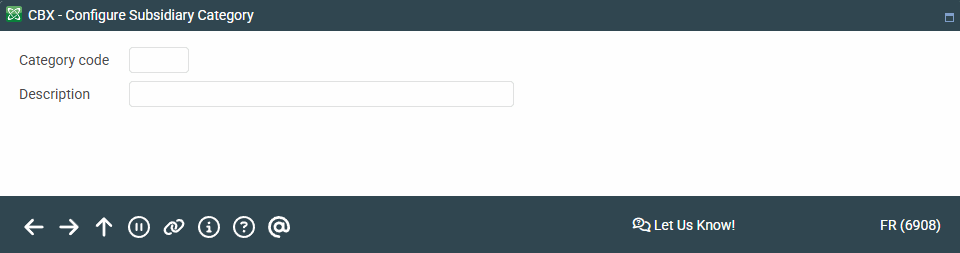
Access this screen by selecting an item on the previous Subsidiary Category Configuration screen.
This is the second screen used when setting up category codes. Enter a Category code (up to five digits—use numbers only) and description. Press Enter when done to save changes and return to the previous screen.