Budget Calculation Parameters
| Screen ID: | UGLBGT2-1 | 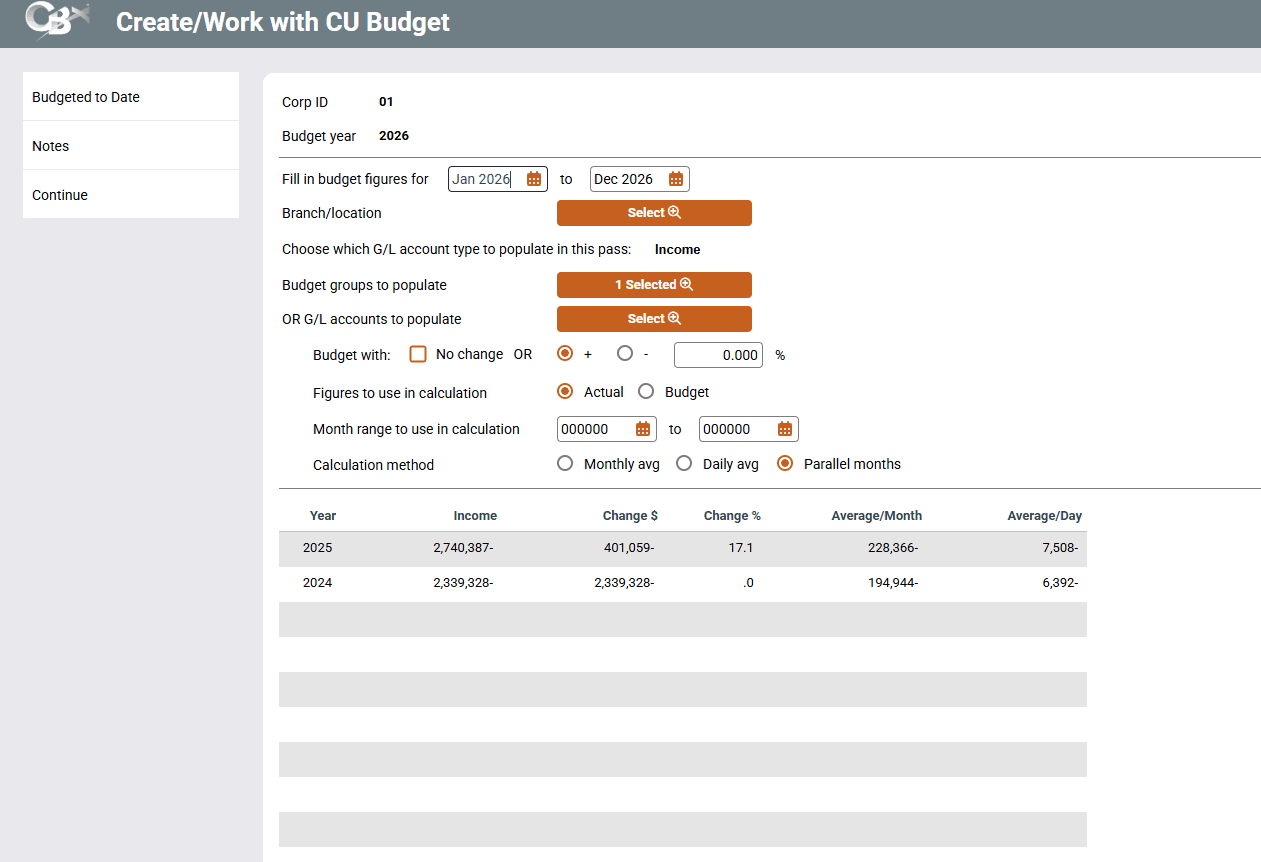
|
| Screen Title: | Create/Work with CU Budget | |
| Panel ID: | 5842 | |
| Tool Number: | 992 | |
| View full-size screen |
This screen appears after using Enter on the Choose Calculation Method screen.
This is part of a series of screens used to create budget figures in your CBX General Ledger chart of accounts. For step-by-step instructions about configuring and using budgeting tools, including details about the different calculation methods available from this screen, refer to the Budgeting with CBX booklet.
After making your selections, press Enter to run the calculation and display the next screen.