Copying a Journal Entry Batch
|
Screen ID: Screen Title: Panel ID: |
UGLTRS3C Copy Journal Entries 5475 |
|
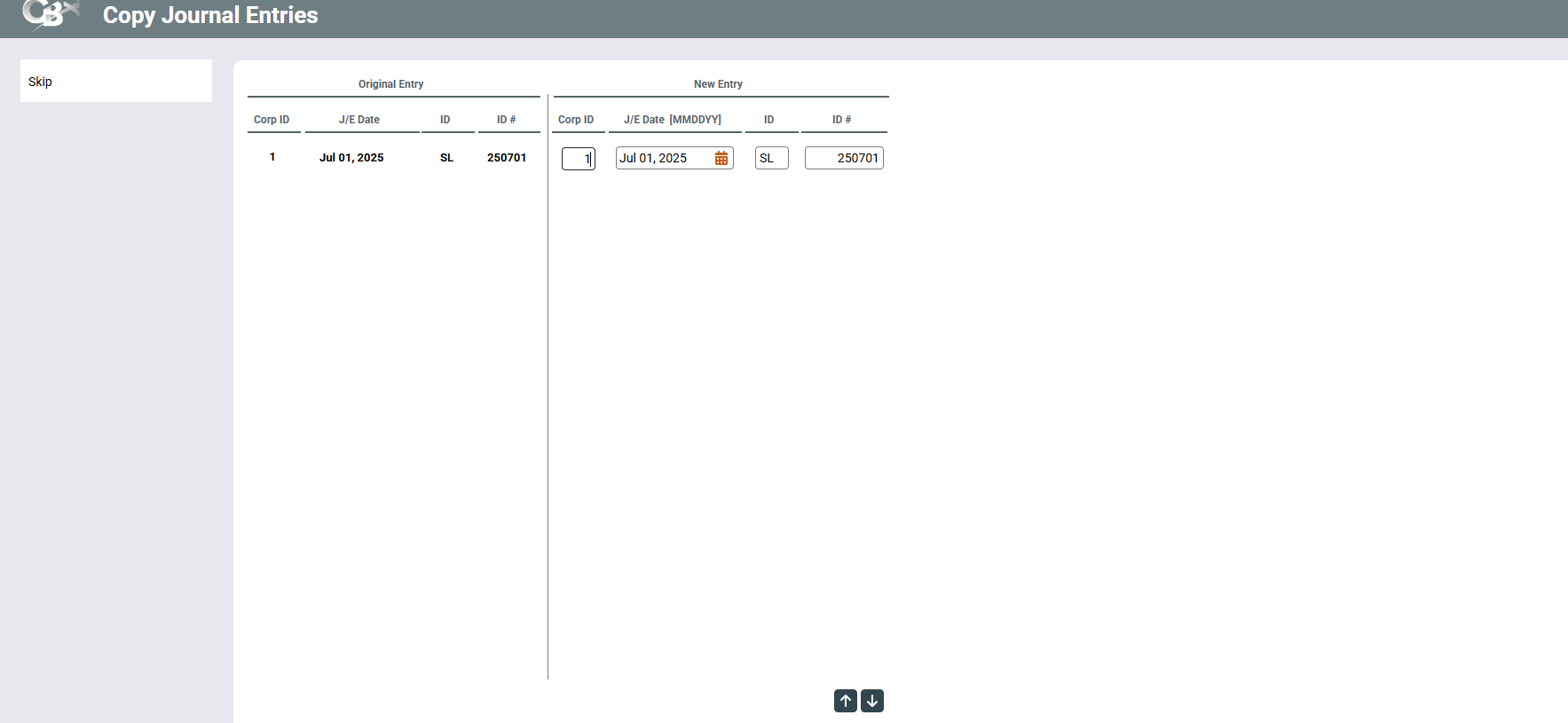
This screen appears when you use "Copy" on the first journal entry screen. If more than one entry was selected, this screen will show multiple lines, one for each batch to be copied.
This screen is used to make an exact duplicate of an entire batch of journal entries. The new batch will have a unique name, so that it can be posted to a different date. This feature is commonly used to create a template of entries that can be used again to save typing the same entries over and over.
The first four fields show the original batch name. The next four fields are used to give the copied batch a different name. Complete the Corp ID, Effective Date, J/E ID, and J/E ID # fields to name each new batch. Press Enter when done and the copied batch will appear on the first journal entry screen, ready for posting. If desired, the copy can be modified before posting just like any other batch.