Deleting a Journal Entry Batch
|
Screen ID: Screen Title: Panel ID: |
UGLTRS4C Post Journal Entries 5476 |
|
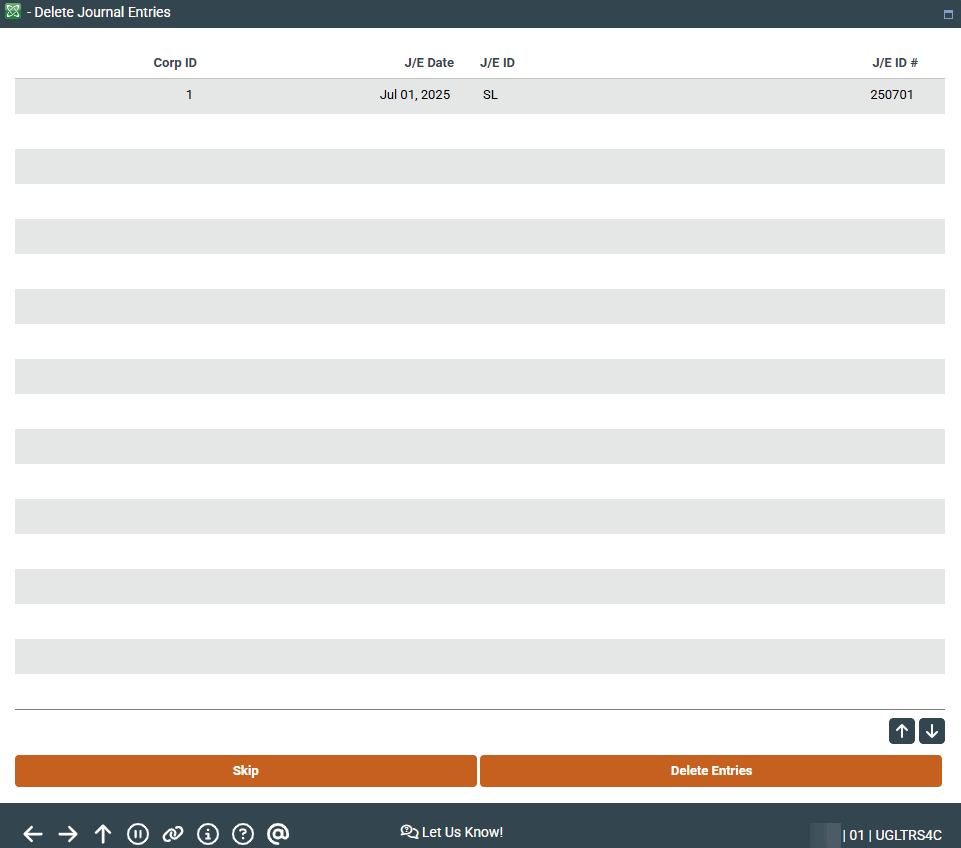
This screen appears when you use "Delete" on the first journal entry screen.
This screen is used to delete an entire batch. One confirmation screen will appear.
-
HINT: It is a good idea to use Change on the first journal entry screen to view the details on the batch before deleting it, to be sure you are using the right batch.