Recording Budgeting Notes
|
Screen ID: Screen Title: Panel ID: |
UGLWCMT-01 Notes 6126 |
|
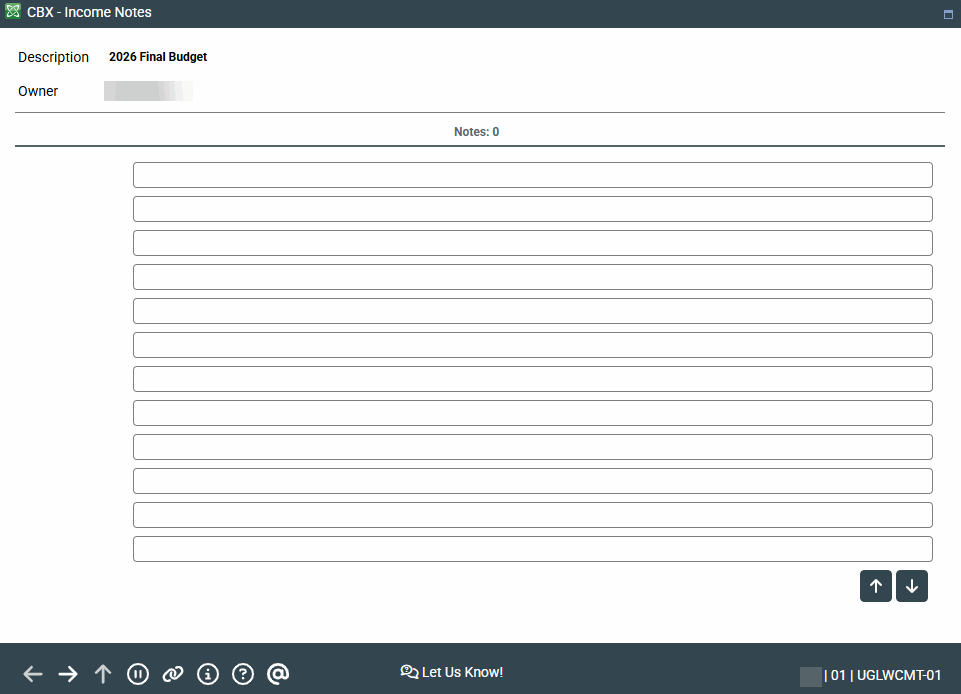
This screen appears after using the Notes button on one of many different budget calculation and maintenance screens, or when using View Details on the Budget Snapshots screen.
This window is used to record notes about your budget while working on the calculations, or to view notes when working with a snapshot of the budget your Budget Archive. For details on using budget notes, refer to the Budgeting booklet.