Analyzing Member Statistics (from the Household Database)
| Screen ID: |
UHHST14 |
|
| Screen Title: |
Member Analysis |
|
| Panel ID: |
2179 |
|
| Tool Number: | Multiple | |
| View full-size screen |
This screen will appear when you use the Member Stats option for an individual on the Household Members screen
-
Household Statistical Reports (by member, by household)
-
To see samples of the household statistics screens, and to read more about these statistical analysis tools, refer to the Household & Member Statistics booklet.
This screen allows Excel and PDF Downloads:
Learn about downloading data to Excel or a comma-delimited file
Create full-color PDFs of the data on the screen – PDF Exports
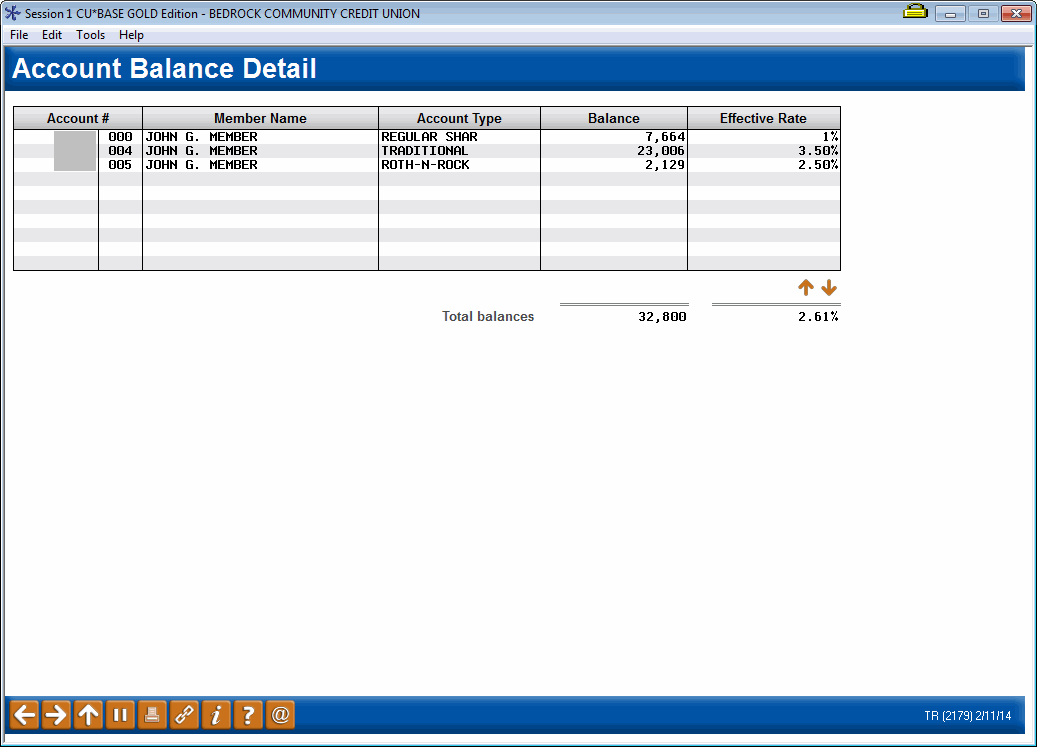
This screen shows the same statistical analysis as the Household Statistics inquiry system, except that data is for just a single member (and no averages are calculated, of course). This is a handy way to see a specific member's participation in things like Tiered Services or self-service products at a glance.
To see any of the individual inquiry screens, click the Detail button in front of the desired item.