Update or View HSA Balance File Information (1)
| Screen ID: | UHSA-01 | 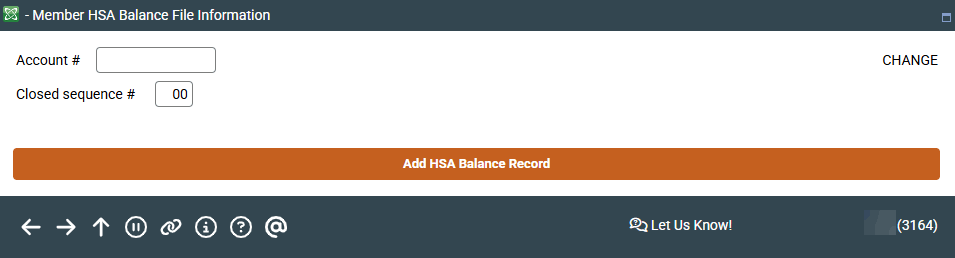
|
| Screen Title: | Member HSA Balance File Information | |
| Panel ID: | 3164 | |
| Tool Number: | 893 (view-only option Tool #1047) | |
| View full-size screen |
Access this screen by selecting Tool #893 Update HSA Balance Information.
This screen is the first of three screens that allow you to update a HSA balance file information.
Enter an account number of an HSA account and press Enter to move to the second screen. If working with a closed account, enter the closed sequence number (usually 01 unless the account number has been reused
There is only one HSA Balance file per membership (MASTER) record, unlike IRA balance file where there is one per IRA plan type. If a member has multiple HSA savings, checking, and/or certificate accounts, all data feeds into the same HSA balance file.
For additional information about HSA accounts view the Health Savings Account HSA booklet.