FASB Codes (Investments)
|
Screen ID: Screen Title: Panel ID: |
UINVS-05 FASB Codes 6482 |
|
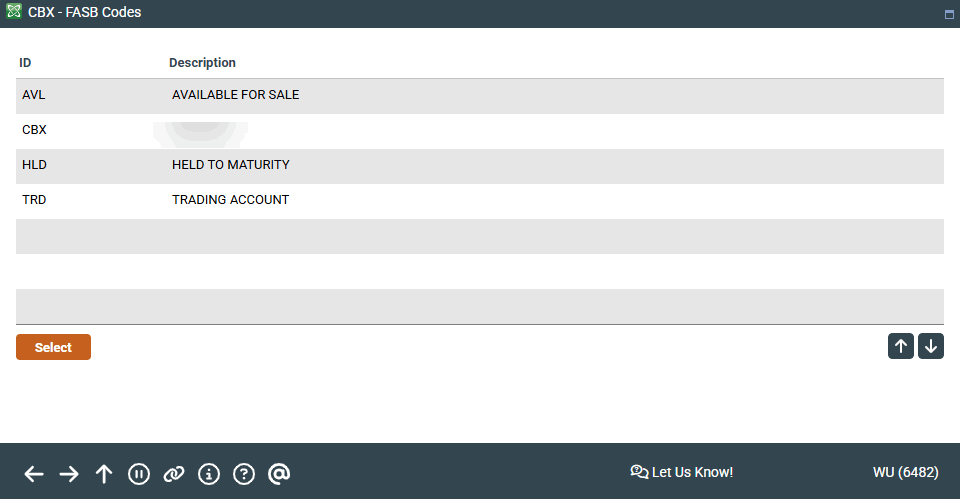
Access this screen by selecting the lookup for FASB when Adding or Editing an investment from Tool #993 INV 1: Work With CU Investments (Investment Dashboard)
This screen displays the configured FASB codes, as well as the FASB descriptions. Highlight the desired FASB code and choose "Select" to add to the investment record.