Configuring Loan Collateral Types (1)
|
Screen ID: Screen Title: Panel ID: |
ULNCLT-01 Collateral Type Definition 6688 |
|
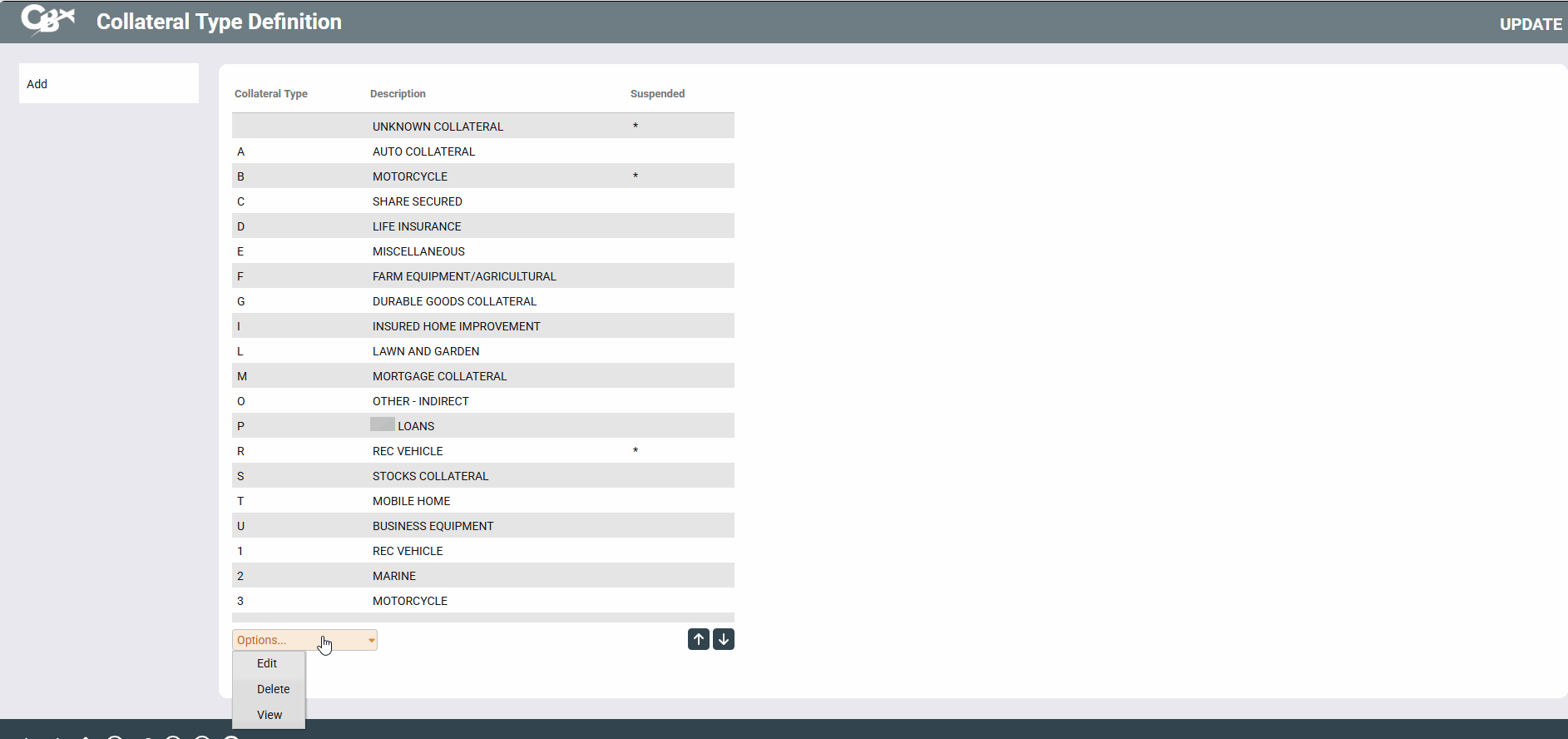
Access this screen by selecting Tool #223 Collateral Type Configuration.
-
Looking for some recommendations on your big picture planning for your loan configuration? Refer to the Big Picture Planning for Your Loan Configurations overview.
This is the first of two screens used to set up Collateral Type Codes. A collateral type code is used mainly to classify the type of property used to secure the loan, and for grouping similar collateral types for reporting and custom inquiry purposes. Depending on the “Definition Type” chosen for each code, the Collateral Detail screen will change to describe the fields in a different manner. It does not, however, affect loan processing in any way.
An asterisk in the Suspended column means that the collateral type is suspended.
To create or modify a collateral type code, type any single-digit code letter or number and press Enter to proceed to the second screen.