Members Affected by Promotional Campaign
|
Screen ID: Screen Title: Panel ID: |
UMBPROM-01 Members Affected by a Promotional Campaign 3859 |
|
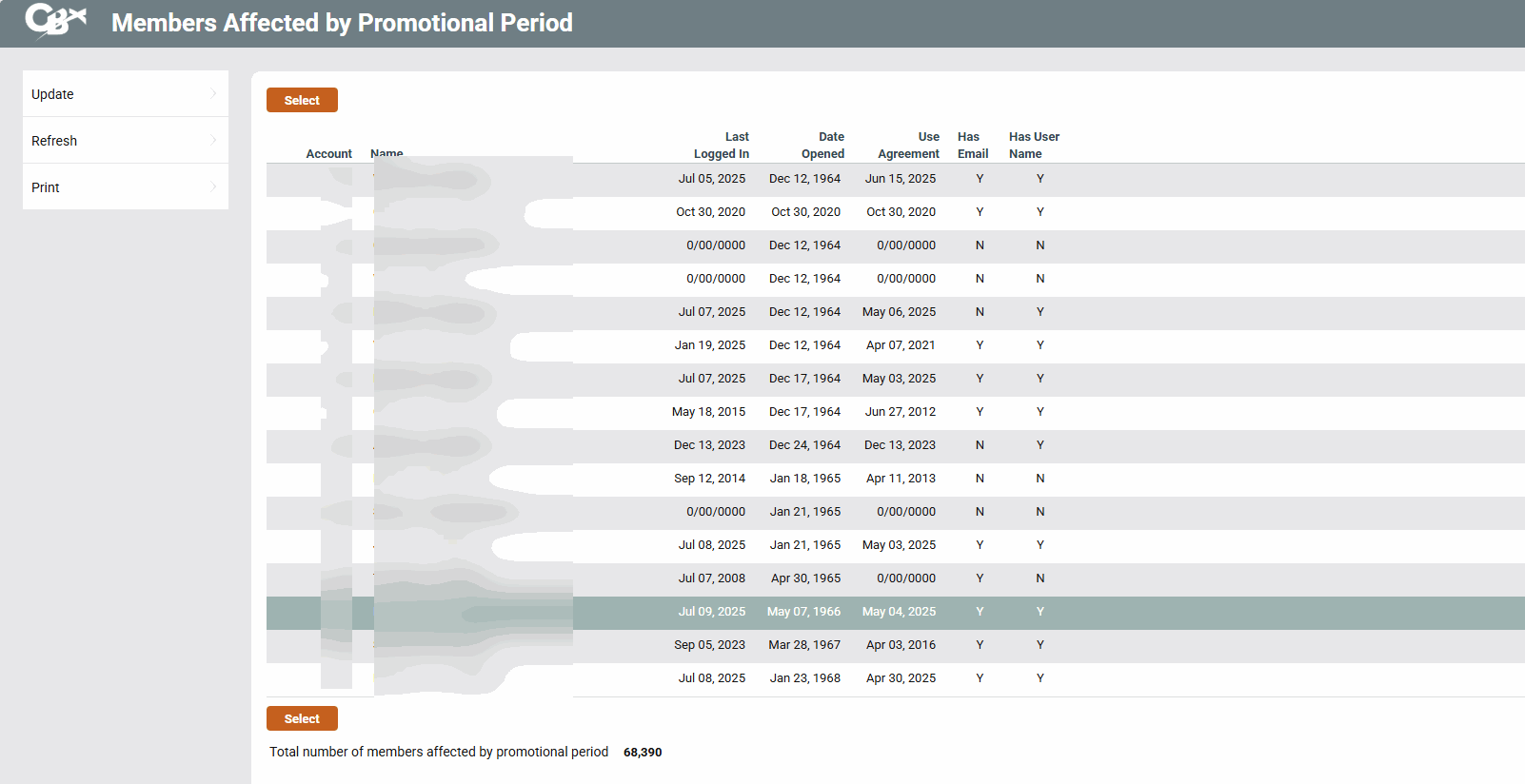
Access this screen by selecting Actv/View Members on the initial promotional campaign configuration screen.
Use this screen to select the member who will be included in your promotional campaign or to view the progress of your campaign. Select a member and use Select to view the details of the member.
Interested in learning more about offering a online banking promotional campaign at your credit union? Refer to the It’s Me Strategies for Securing and Controlling Member Access.
Buttons
|
Button |
Description |
|---|---|
|
Activate |
Use this to move to the activation screen. |
|
Print a file of included members for use with member connect. |