Opening or Updating a Membership: Previous Address Info
|
Screen ID: Screen Title:
Panel ID: |
UMBRSHIP-22 Open New Membership Individual/Organization or Update Membership Individual/Organization 2430 |
|
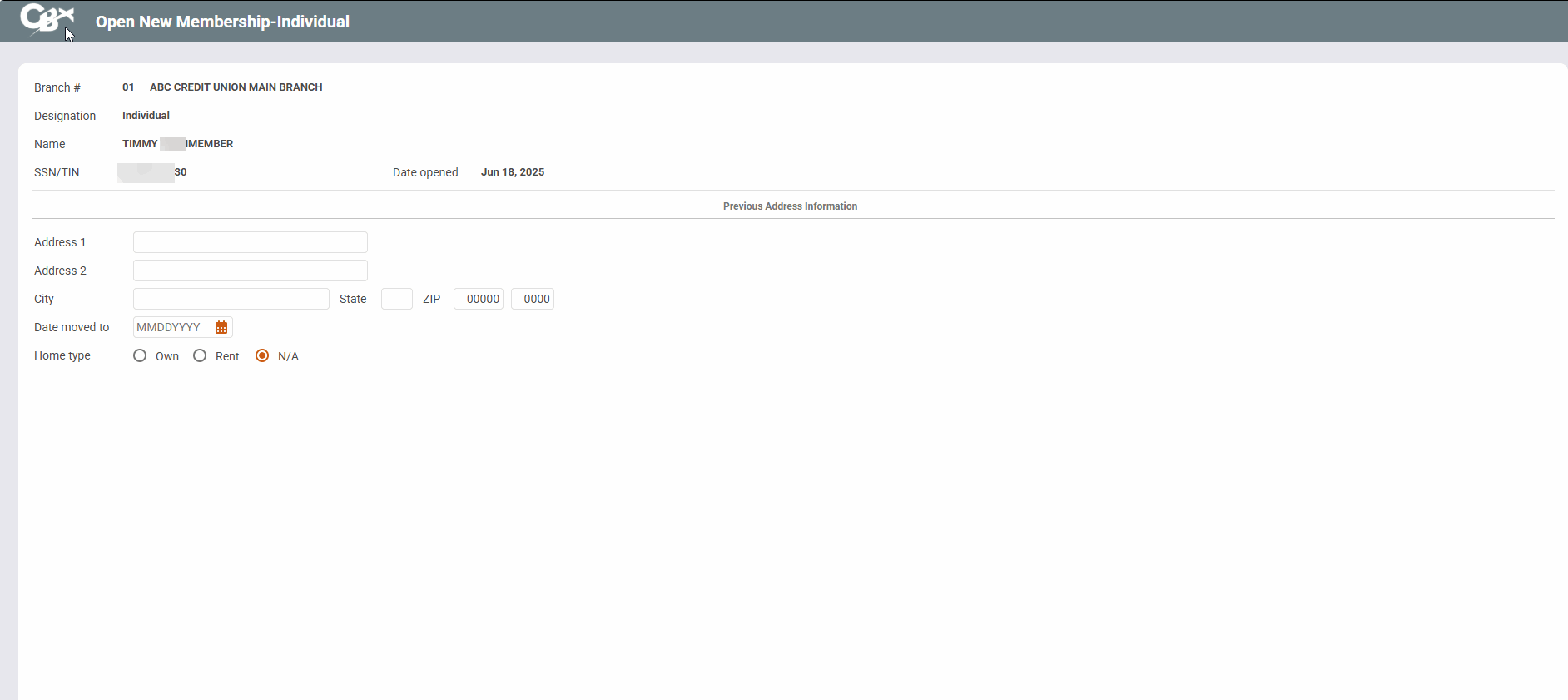
This screen can be accessed after entering from the General Membership Info screen depending on your credit union's configured Workflow Controls.
Screen Overview
This screen is used to update previous address information for a member. The screen may appear automatically when opening new memberships, depending on your Workflow Controls and how long the member has lived at his or her current address.
Complete all fields and press Enter to proceed to the next screen.
Related Resources
Learn how to complete tasks related to opening/closing memberships/accounts.