Updating Account Information
|
Screen ID: Screen Title: Panel ID: |
UMBRSL-02 Existing Account Maintenance 3787 |
|
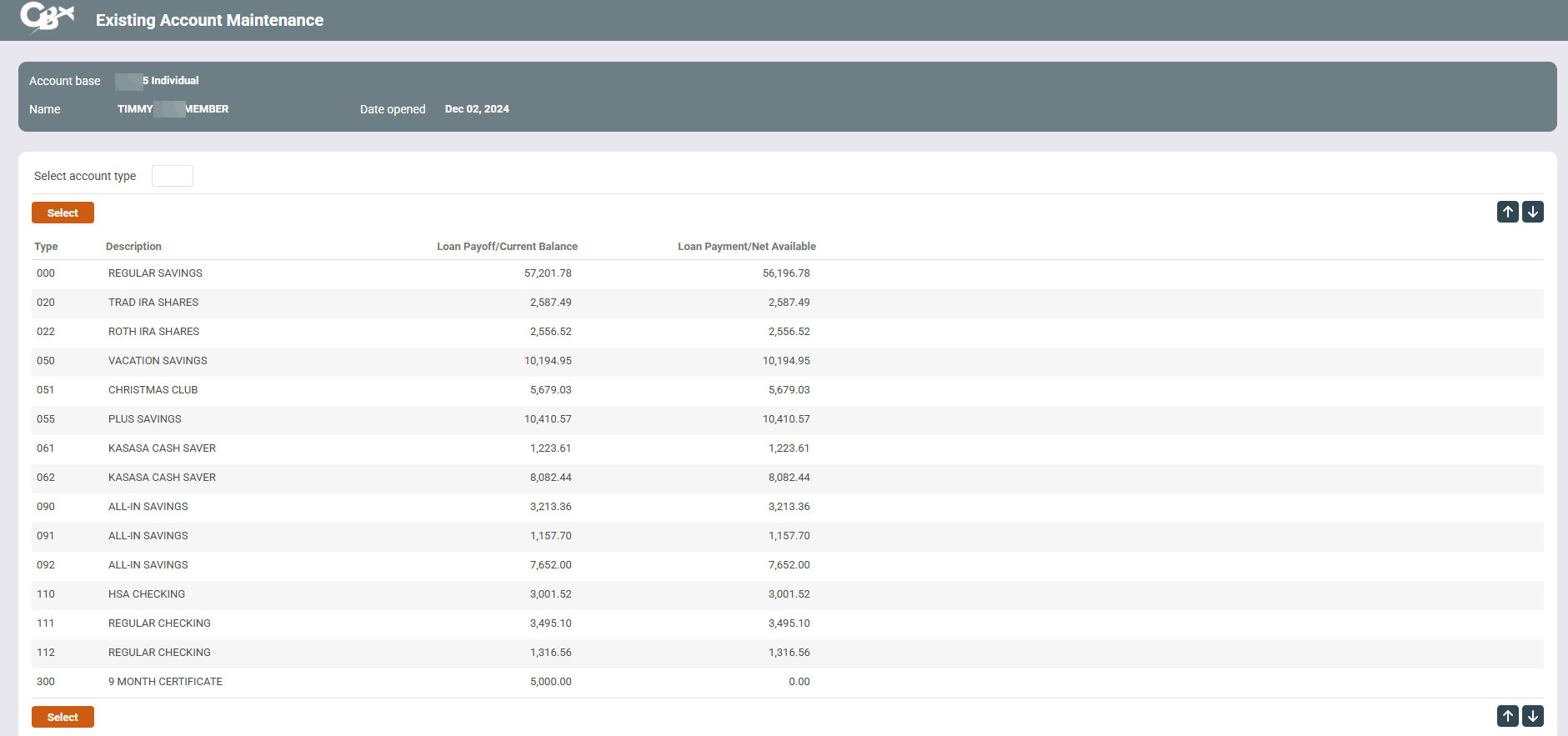
Access this screen after entering an account in the entry screen and pressing Enter.
Screen Overview
This screen displays all of the individual sub-accounts under this membership. To proceed, enter the three-digit account suffix and click the forward arrow, or select any account in the list and click Select. One of the following screens will appear next: