Configure Abnormal Activity Monitoring Patterns
| Screen ID: | UMTAAC-06 | 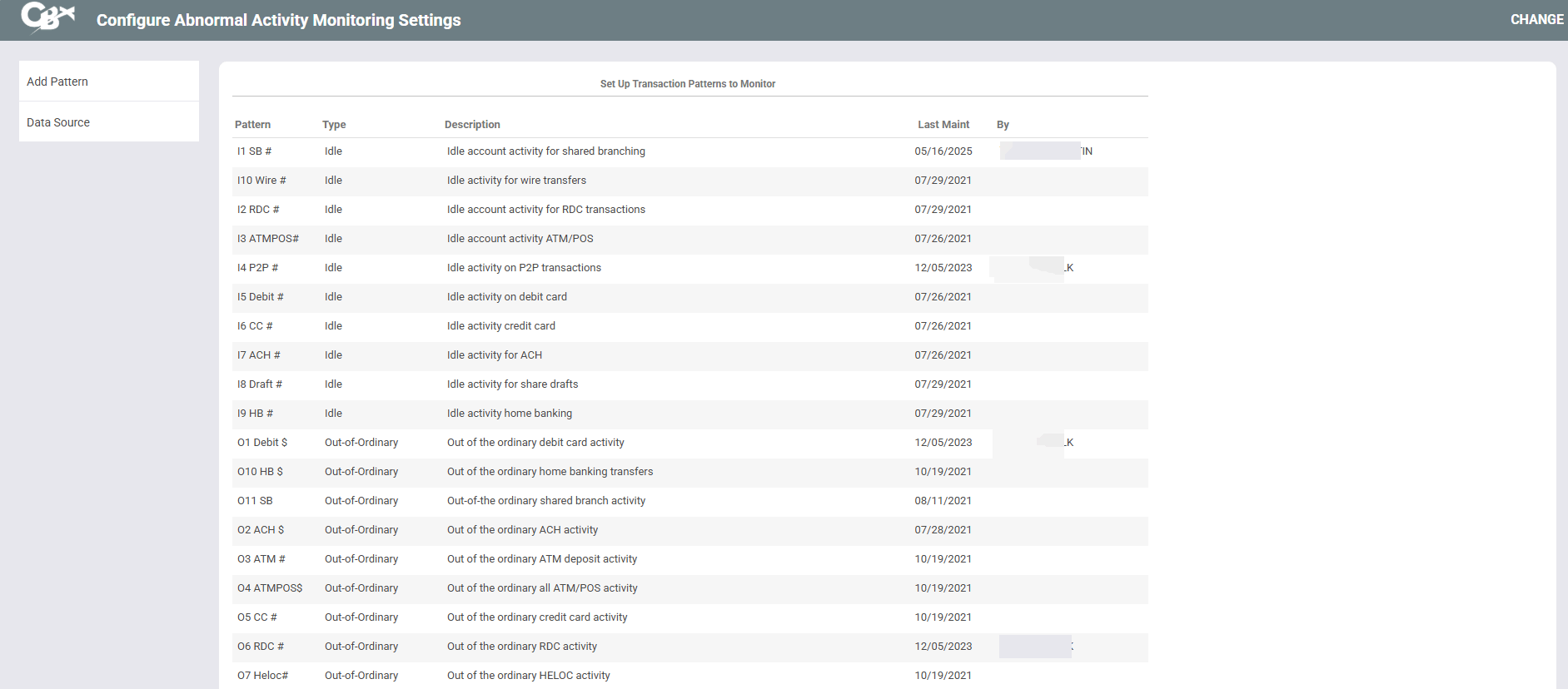
|
| Screen Title: |
Configure Abnormal Activity Monitoring Settings |
|
| Panel ID: | 7178 | |
| Tool Number: | 101 | |
| View full-size screen |
Access this screen by selecting Transaction Patterns (compare members to norm for that member) on the first configuration screen. A view-only version of this screen is also available by selecting View Configuration on Tool #537 Monitor Abnormal Transaction Activity.
Using this Screen
On this screen, view the transaction patterns that have been created. This screen is useful for conducting test runs of configured patterns. Test runs are helpful for determining the appropriate trigger settings for the pattern.
From here, select Edit, View, or Add Pattern to move to the first pattern detail screen.
Select Data Source to view the tables and columns in which the information for these settings resides in the core.