ATM/Debit Account/Card Lookup
| Screen ID: |
UPANCARD-01 |
|
| Screen Title: |
ATM/Debit Account/Card Lookup |
|
| Panel ID: | 3353 | |
| Tool Number: | 11 or 156 | |
| View full-size screen |
Access this screen by selecting Tool #11 ATM/Debit Card Maintenance (Shortcut: card) (maintenance) or Tool #156 ATM/Debit Cards & Activity Inquiry (Shortcut: cardinq) (inquiry).
Screen Overview
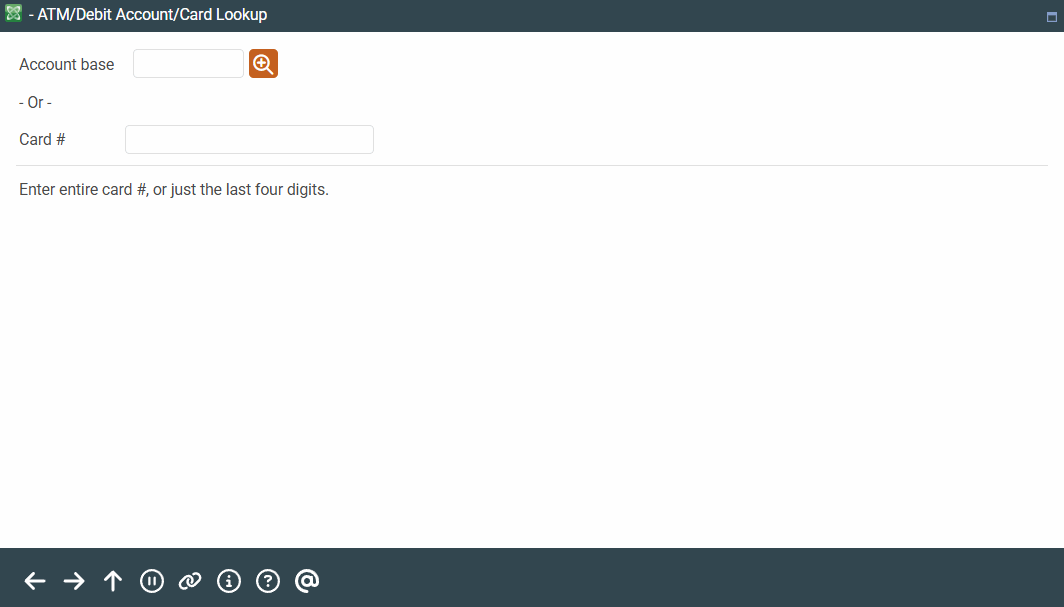
Enter an account base, the full card number or the last four numbers of a credit, or use the  to view the last ten accounts that you accessed. Press Enter to move to the ATM/Debit Card Maintenance screen where you can perform maintenance on or view settings of ATM and Debit Cards. All cards, that fit the entry on this screen (regardless of status) will appear on the next screen.
-
Note: If a credit card is entered, only the last four digits of the credit card # are required to advance to the next screen.
If an account number is entered and there is no card on file for that account, you will move to the BIN selection screen where you can select the BIN used to create a new card for the member.
Related Resources
For more information about performing daily maintenance on ATM/Debit cards refer to the Daily Maintenance of ATM and Debit Cards manual. Step by Step instructions for common tasks are included.