Confirm Changes to Daily Limits
|
Screen ID: Screen Title: Panel ID: |
UPANCARD-35 Confirm Changes to Daily Limits UPANCARD-35 |
|
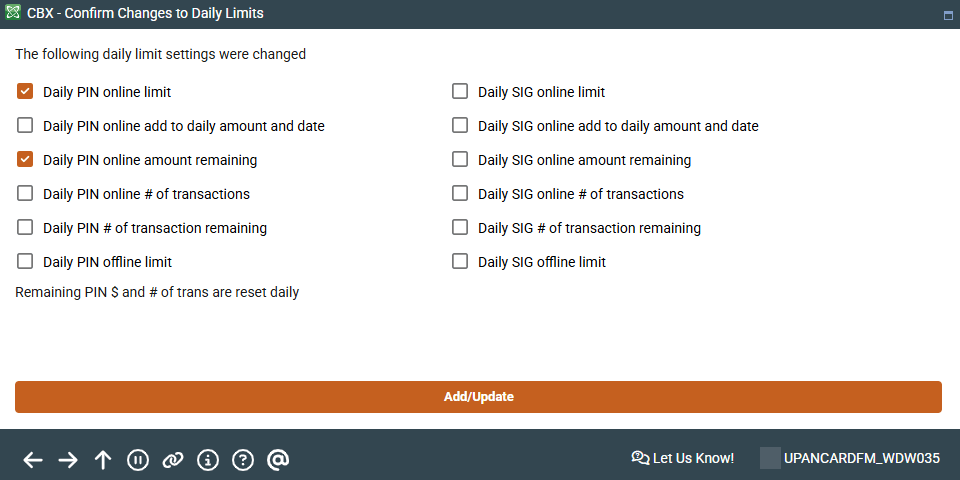
This screen appears when selecting Maintenance and making a change to a member's debit or ATM card limits in Tool #11 ATM/Debit Card Maintenance.
The screen will show which of the daily limit settings were changed; use Add/Update to accept the changes and update your member's limits and return to the previous screen.