Business Banking - Edit User
| Screen ID: | UPINBIZ-02 | 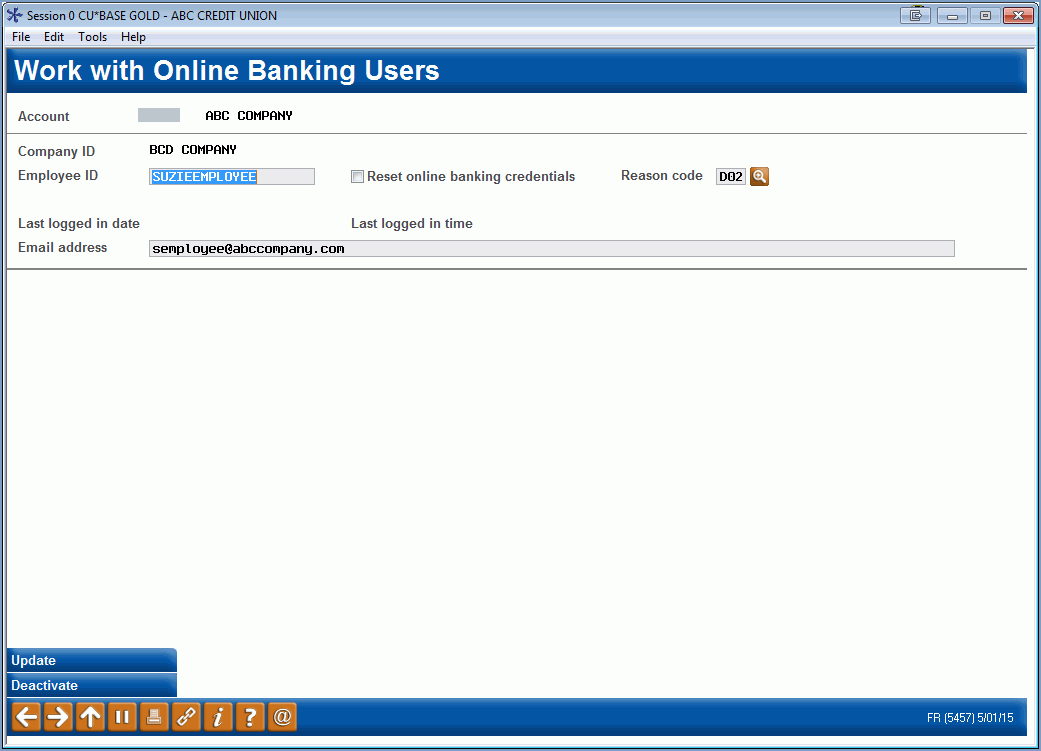
|
| Screen Title: | Work with Online Banking Business Users | |
| Panel ID: | 5457 | |
| Tool Number: | 14 | |
| View full-size screen |
Access this screen by selecting a user and then "Edit" on the entry business banking screen.
-
This screen is used by memberships configured for business banking. This is configured in the Membership Designation configuration by setting the "Online banking system to use" to "Business."'
-
Learn more about using this screen and BizLink 247 in the BizLink 247 Online Banking User Guide.