Loan App/Household Maintenance - Miscellaneous Information and Comments
|
Screen ID: Screen Title: Panel ID: |
UPRCO-01 Loan Application Comments 6314 |
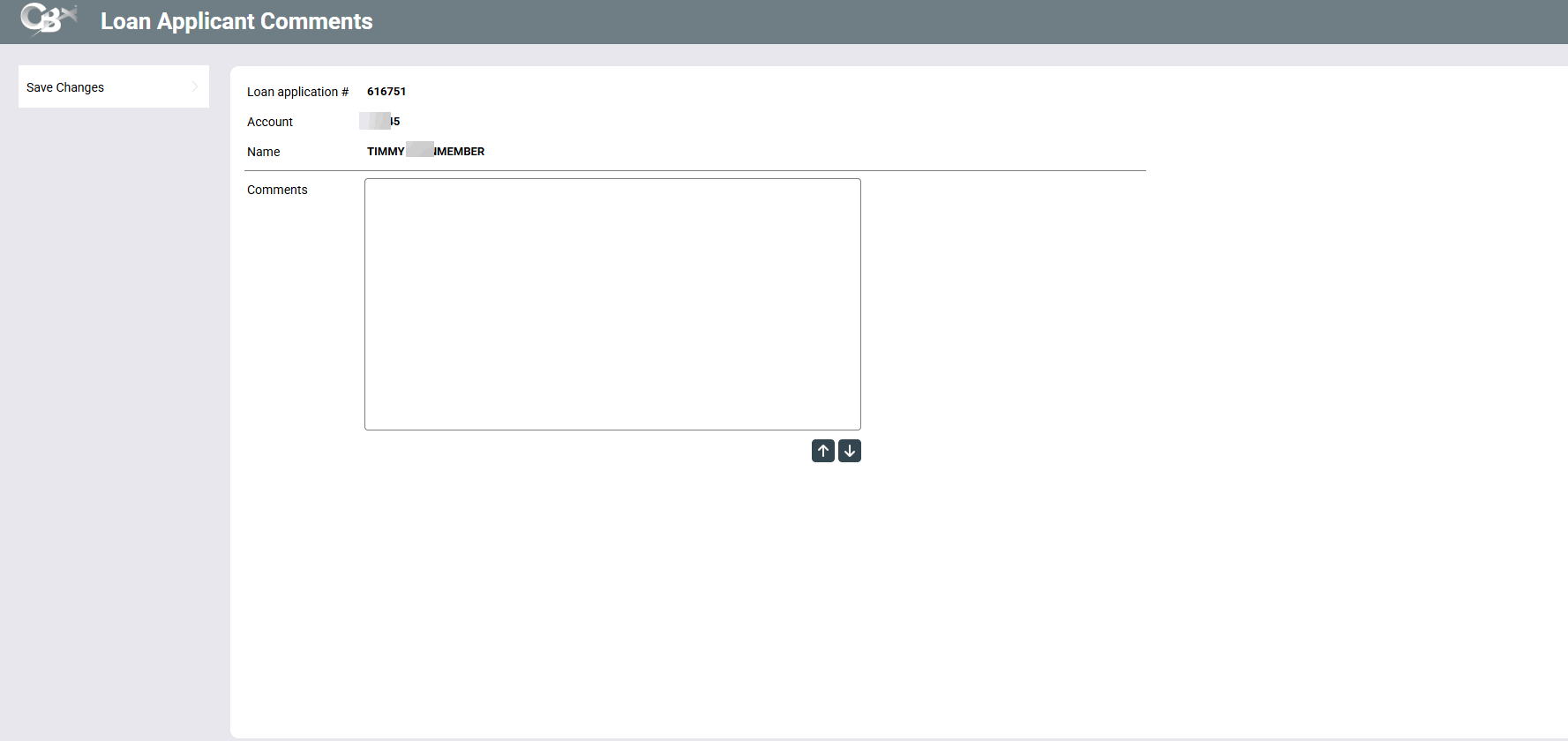
Access this screen by selecting Applicant Comments from the Miscellaneous Loan Application screen.
Enter comments about the primary applicant or co-applicant, depending on what screen you enter by. Up to 14 lines can be entered. When done entering comments, press Enter to save, then use Save Changes.
Text entered on this screen will appear on the loan application.
-
BE CAREFUL: Follow the directions about entering text on this screen. See this topic for additional information.
Applicant and Co-Applicant Comments can be included when printing the standard CBX long- and short-form loan applications. If printed, they will be added to the end of the printed loan application as an “addendum.”