Account Suffix Configuration (2)
| Screen ID: | USACT-02 | 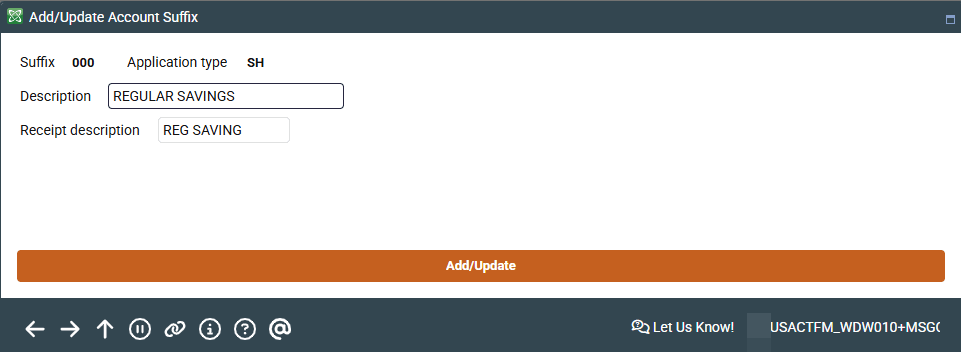
|
| Screen Title: | Add/Update Account Suffix | |
| Panel ID: | 2709 | |
| Tool Number: | 105 | |
| View full-size screen |
Access this second screen by selecting the Account Suffix and using the Edit, Delete, or Suspend/Reactivate buttons on the previous screen. You can also access this screen by using the Add Single Suffix or Add Suffix Range buttons.
Screen Overview
On this second screen, you can add, edit, delete, or suspend and reactivate account suffixes. If entering a range of account suffixes from the Add Suffix Range button, press enter after entering the range before completing any of the other fields. If this range is already in use, you will receive a message that says the Account suffix already exists.
Complete the remaining fields on the screen and press Enter again to save the changes and return to the previous screen.
There is a “Delete” button, but it can only be used if there are no accounts associated with the record. If you try to use the button after an account has been created, you will receive the following error: “7085-Suffix cannot be deleted because it is in use.” However, you can change a range to use different settings.