Copying Secondary Names: Select an Account
|
Screen ID: Screen Title: Panel ID: |
USECNM-04 Select Sub-Account to Copy 6735 |
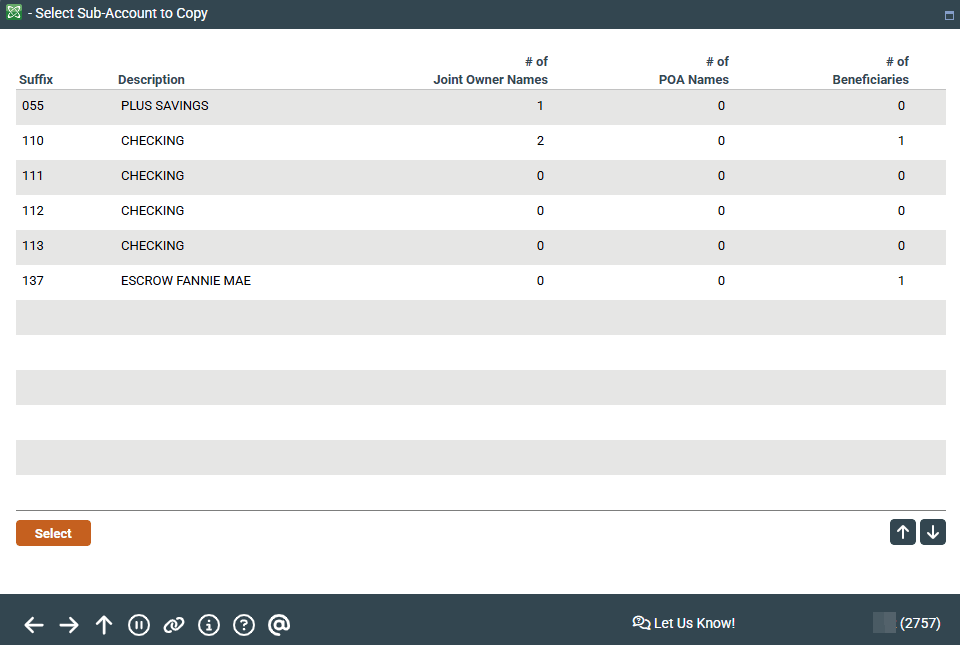
This screen will appear when you select Copy From on the previous Secondary Names screen.
Screen Overview
This window shows all of this member's other share sub-accounts. Select the account that has the secondary names you need, and press Enter or click Select. A second window will appear showing the names that are already on that other account.