Teller Drawer Control (1)
|
Screen ID: Screen Title: Panel ID: |
UTLCTR-01 Teller Control 2898 |
|
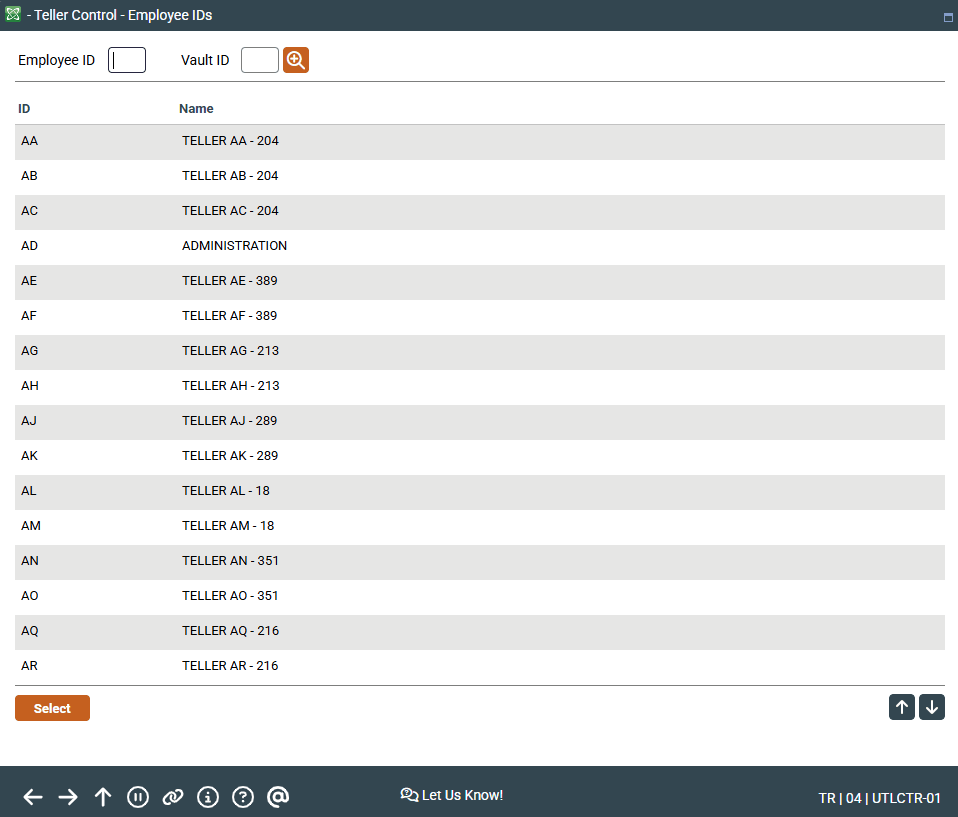
Access this screen by selecting Tool #33 Teller Control/Inquiry (Shorcut: tlrctl).
Screen Overview
This screen is the first of two used to display teller drawer control information.
- It is recommended that you activate your drawer from Teller Processing by using Drawer Control/Audit.
Enter the desired teller number, using the list at the bottom as a guide. Then select a vault and press Enter to proceed to the next screen.
Using Roving Teller
Understanding Teller Control and Balance Procedures