Uncollected Funds Maintenance
|
Screen ID: Screen Title: Panel ID: |
UUNCOL-01 Member Uncollected Funds Maintenance 6570 |

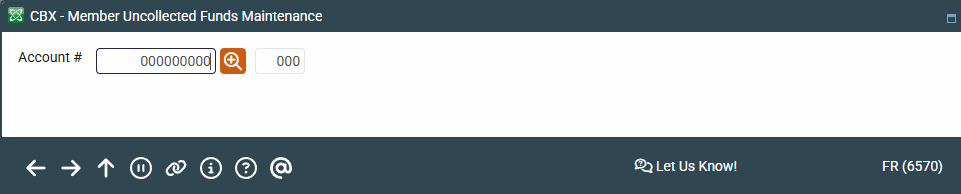
Access this screen by selecting Tool #919 Update Uncollected Funds Information (Shortcut: uncoll).
Screen Overview
This is the first of two screens used to add, update or delete uncollected funds records for a member account. These records place a “hold” on funds so that they are not available for withdrawal. Use the lookup button  next to the Account field to access the Your Most Recent Accounts Accessed screen, which lists your last ten accounts.
On this entry screen, enter an account and press Enter to move to the second screen.
Learn more about uncollected funds maintenance by viewing the topic for the second screen.