Write Off/Charge Off Reason Code Configuration
|
Screen ID: Screen Title: Panel ID: |
UWCRSN-02 Write Off or Charge Off Loan Account 5724 |
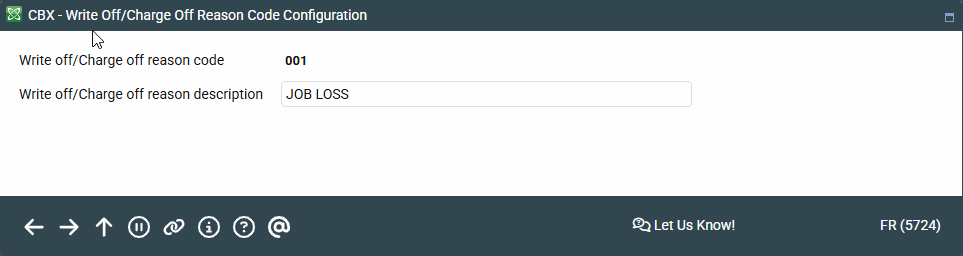
Access this screen by selecting a reason code on the previous screen or by selecting Add Code.
-
For more information, refer to the Write-off/Charge-off Tools booklet.
This screen is used to configure the Write off codes and Charge off reason codes used when a loan is written off or charged off. It is a required field on the third write off screen and the charge off screen. A configured reason code can be used at both write off and charge off, or different reason codes can be used. If the same reason code is used, it will need to be entered on both screens.
If you are adding a new code, enter three alpha-numeric characters (no spaces allowed) in the Write off/charge-off reason code and then a Write-off/charge-off description (up to 30 alpha-numeric characters). Blanks and special characters are allowed in the description. Some examples might be "Bankruptcy Chapter 13" and "Bankruptcy Chapter 7."
Press Enter to return to the previous listing.