Wire Transfer Tracking
|
Screen ID: Screen Title: Panel ID: |
UWIRET-02 Wire Transfer Tracking 3009 |
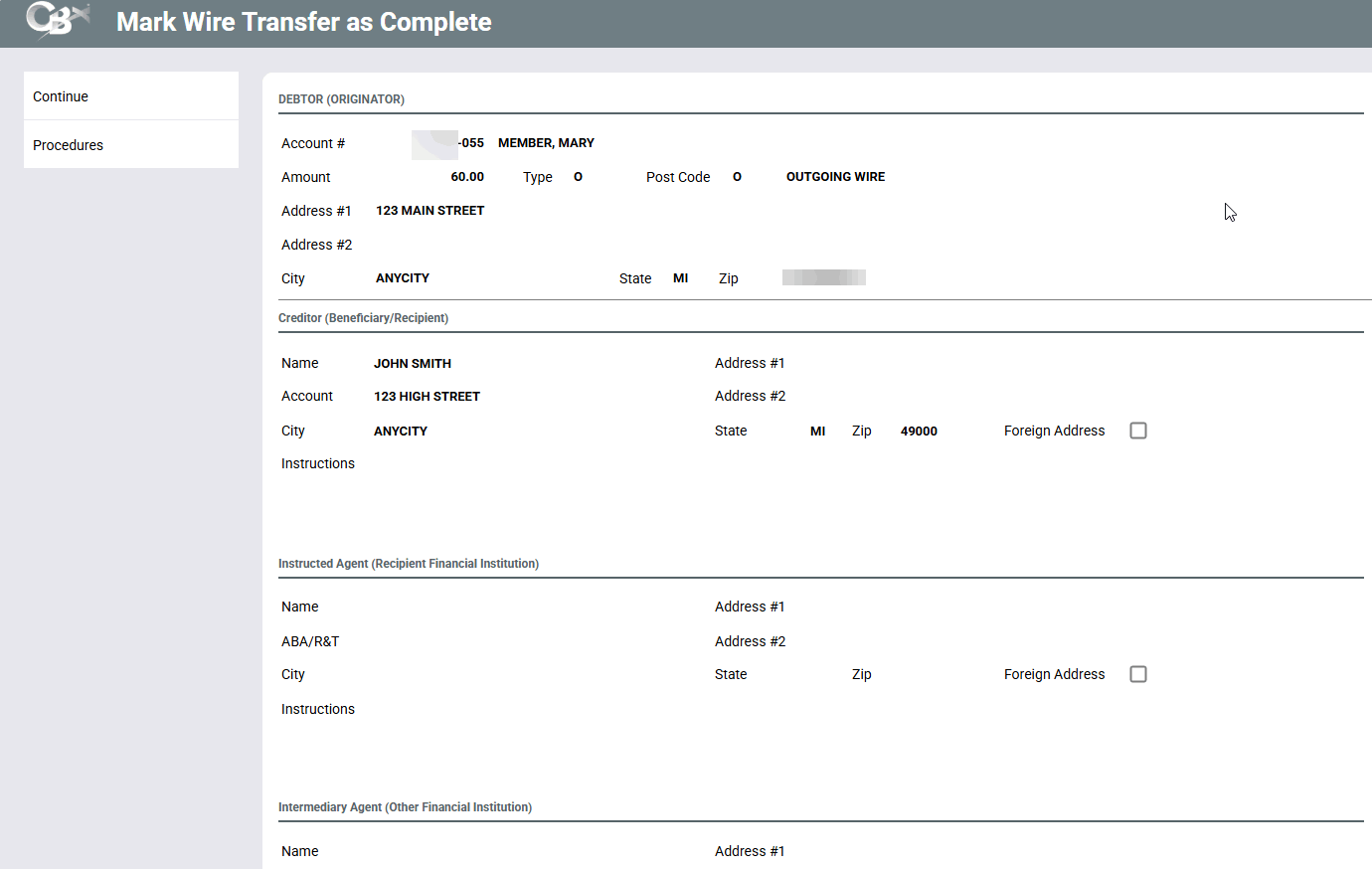
Access this screen by selecting a wire on the Wire Transfer Tracking screen.
This is the second of several screens used to mark a wire transfer that has already been posted to a member account as being completed (the actual wire processed through your Fedline terminal or other method).
This screen appears when you select a pending wire and use "Completed" on the initial Wire Tracking screen. This screen shows details from the wire as it was originally posted. Use the forward arrow or press Enter to proceed to the final screen.
-
Refer to the Wire Transfers booklet for complete details on how to use the tracking screens.