Universal Share Draft Cross Reference
|
Screen ID: Screen Title: Panel ID: |
UXRWRK-01 Update Universal Cross Reference 3017 |
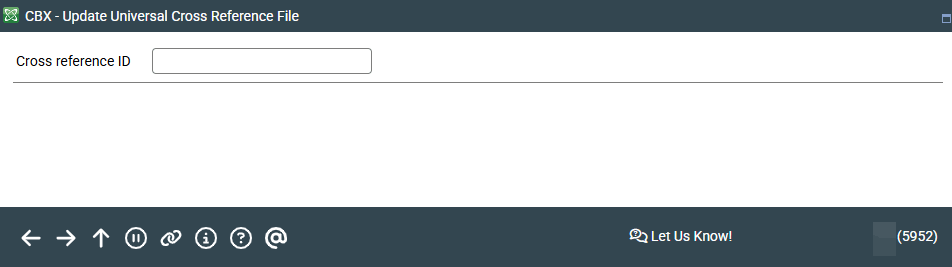
Access this screen by selecting Tool #886 Update Check Proc. Cross Reference File (Shortcut: xref).
Screen Overview
This screen is used when the account numbers which are transmitted during check processing may not match those used by the core system. The cross reference tells the system which account number on the core should be used if a “foreign” account number is transmitted.
For example, say a member had an old account with your credit union with the account number 1234#8. Since your conversion to CBX that account number is now 1234-008. However, this member still has some old checks coded with the original number which may attempt to clear from his account. On this screen, you would enter “12348” in the Cross Reference I.D. field, and “1234-008” in the Account Number fields on the second screen
You can review the XRWORK file to view merger record, along with MICR line corrections.
As this process is normally handled for you during your credit union's conversion to CBX this feature is rarely used. Contact a client service representative for assistance.