Xpress Teller Workflow Controls (Entry Screen)
|
Screen ID: Screen Title: Panel: |
UXTLRFLW-05 Xpress Teller Workflow Controls UXTLRFLW-05 |
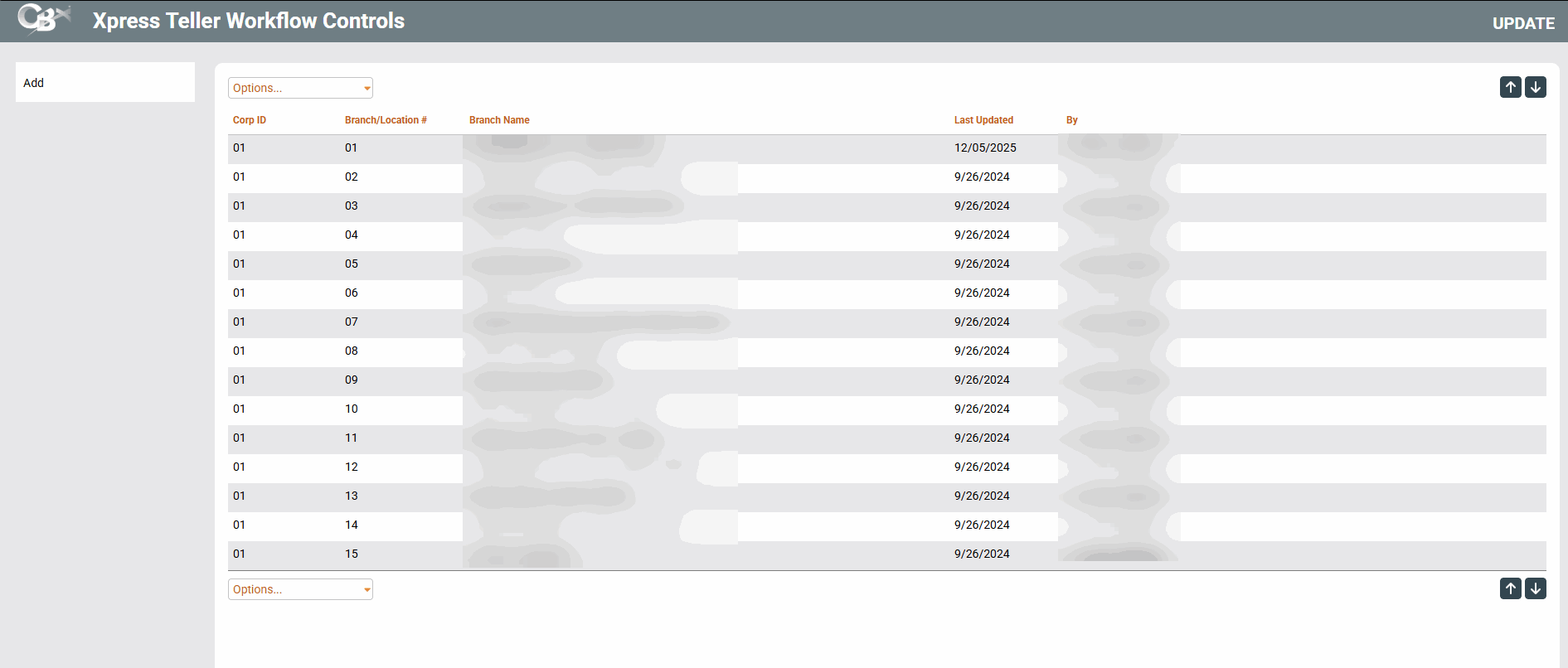
Access this screen by selecting Tool #1775 Workflow Controls: Xpress Teller (maintenance) and Tool #1776 View Xpress Teller Workflow Controls (inquiry).
Related Resources
This screen lists the branches that are configured for Xpress Teller. Each branch using Xpress Teller needs to have its own configuration. (A copy feature is available on the Add screen.)
All columns are sortable on this screen.
A Branch 01 is set up by default. This controls the settings for vertical receipts and receipt settings, for Xpress Teller and Standard Teller. In addition, all search settings default to unchecked. This of course can be changed when the actual branches for Xpress Teller are configured. Additional Xpress Teller branch configurations will need to be configured for additional branches at your credit union.
If you select Tool #1776, you will only be able to view existing configurations.