Assign New Expiration Date
|
Screen ID: Screen Title: Panel ID: |
WIN020B Enter a New Expiration Date 7024 |
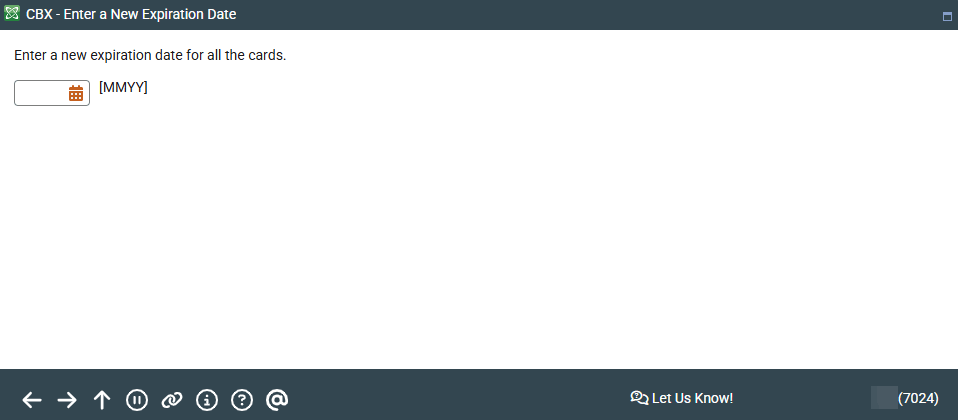
Access this screen by selecting Tool #1120 Update Card Expiration Dates and choosing to select a new expiration date.
Use this screen to enter a new expiration date that will apply to all cards selected in the previous screen. Type in the MMYY formatted date, or select from the calendar, and press enter to return to the processing screen.