CBX Sign-on Information
|
Screen ID: Screen Title: Panel ID: |
n/a Sign-on Information SIGNINFO |
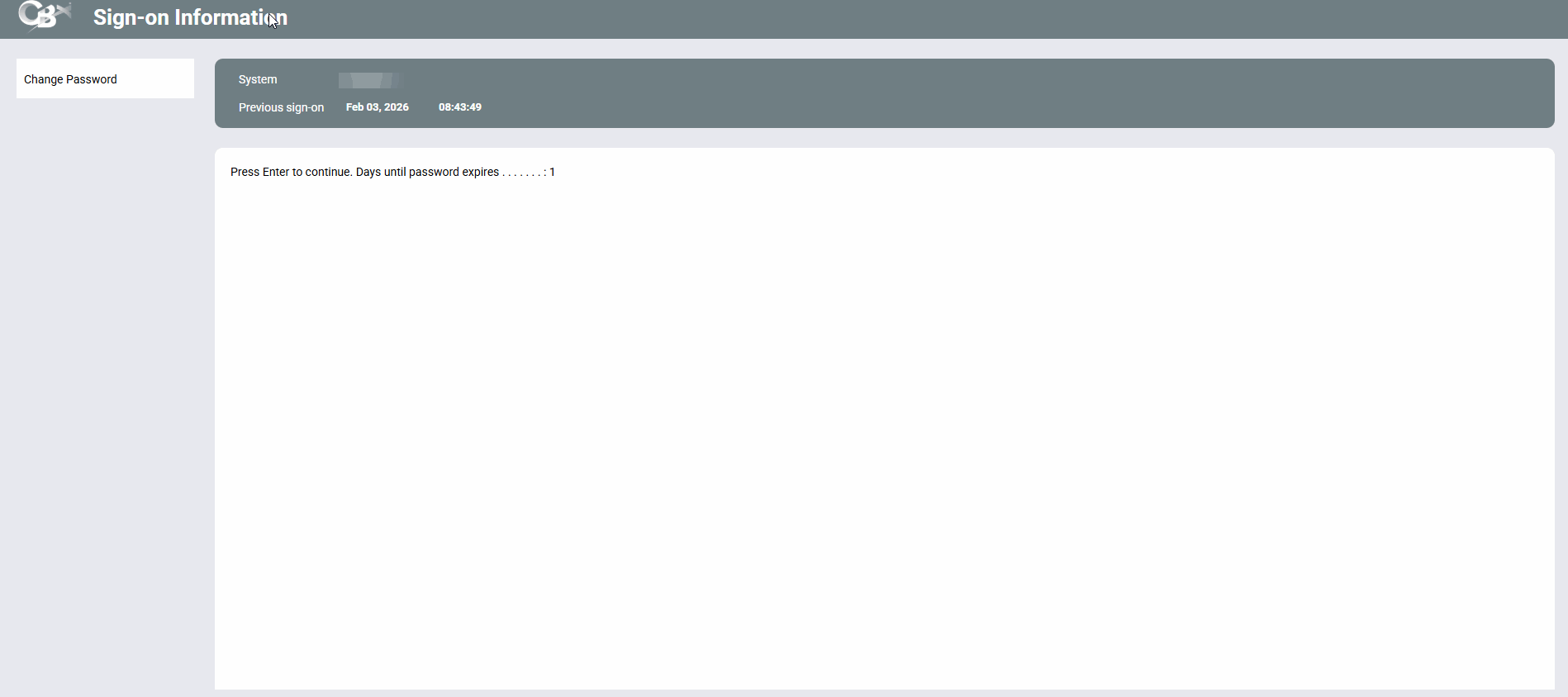
This screen displays immediately after logging on to CBX.
Screen Overview
The purpose of this screen is to warn you of the last time your USER ID was logged in to the iSeries. This is a security measure - if this date and time are not familiar to you, someone else may have gained unauthorized access to your User ID and password. Contact your credit union's Security Officer immediately if you suspect this has occurred.
Remember, NEVER give your password to anyone, under any circumstances. A Client Service representative will never ask you for your password.
If you decide not to sign on to CBX at this time, use Backup now. When the confirmation screen appears, press Enter to sign off, or Cancel to resume your original sign-on request.