Updating Closed Account Information - Tax Escrow
|
Screen ID: Screen Title: Panel ID: |
UCMEMB-05 Closed Account Info Update 5262 |
|
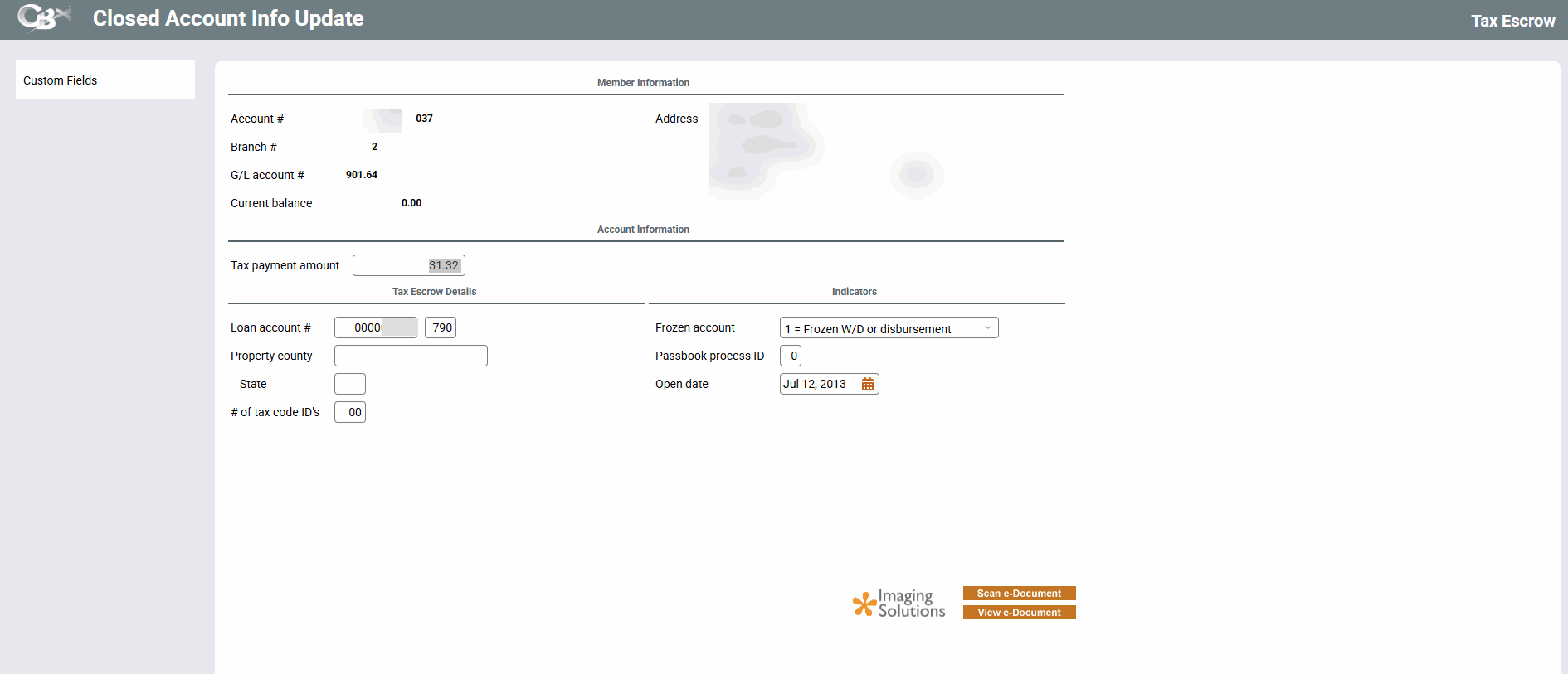
This screen lets you change the record for a tax escrow share type account. Press Enter when done to save changes and return to the previous screen.
For a description of the fields on this screen, refer to the Update Tax Escrow Account Information topic.
Custom Fields takes you to the custom data field were you can view data attached to the account.
Integration between the core and your Imaging Solution 
This screen has a link to your imaging solution to further integrate with the core. Scan e-Document is used for scanning a document into your imaging solution. View e-Document is for retrieving images from your imaging solution.
-
Remember: Only documents warranted by the CU*Spy online vault can be scanned into that vault.
-
Clients with in-house imaging solutions should contact Imaging Solutions for assistance configuring links for use with your vault.
Related Resources
How do I change the Reason Codes on a closed saving, checking, or loan account?