Completing a CTR Form (2)
|
Screen ID: Screen Title: Panel Number: |
UCTRA-02 CTR Form 4203 |
|
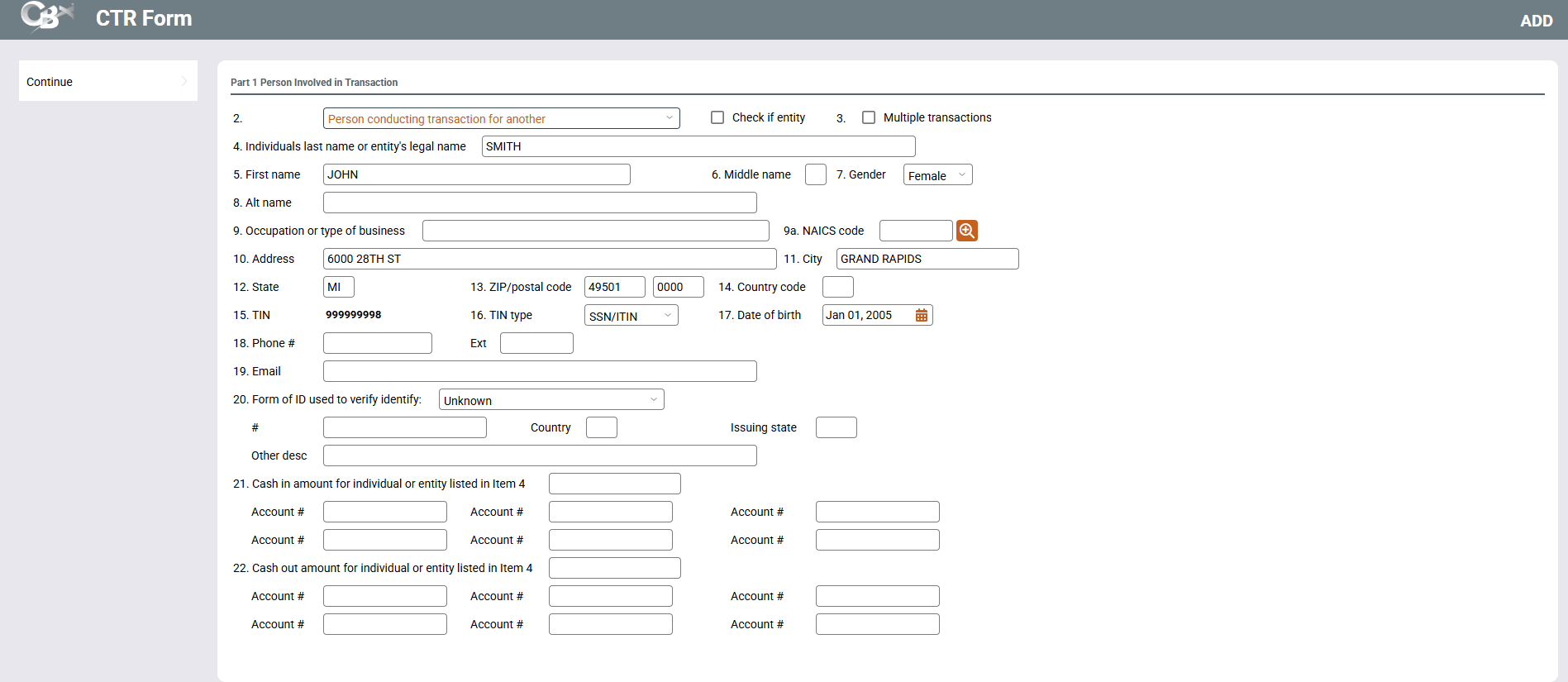
This screen appears if Add a Person is selected on the first CTR Forms screen or on this screen. (After Add a Person is selected, you will be asked to enter the SSN of the other person on the Add a New CTR screen. Use Enter to advance to this screen.
-
For more information about CTR forms, including details about how to configure your BSA parameters to automatically generate forms when posting teller transactions, refer to the Bank Secrecy Act Monitoring Tools booklet.
This screen is the second screen used to complete a Currency Transaction Report (CTR), when the “Multiple persons” box is checked on the initial screen. (It only appears if this box is checked. Fill in all fields according to your credit union’s policies and current BSA requirements. When done, use Enter.