Credit Bureau Reporting Information (Loans)
|
Screen ID: Screen Title: Panel ID: |
UMEMB-09 Credit Bureau Reporting Information 5618 |
|
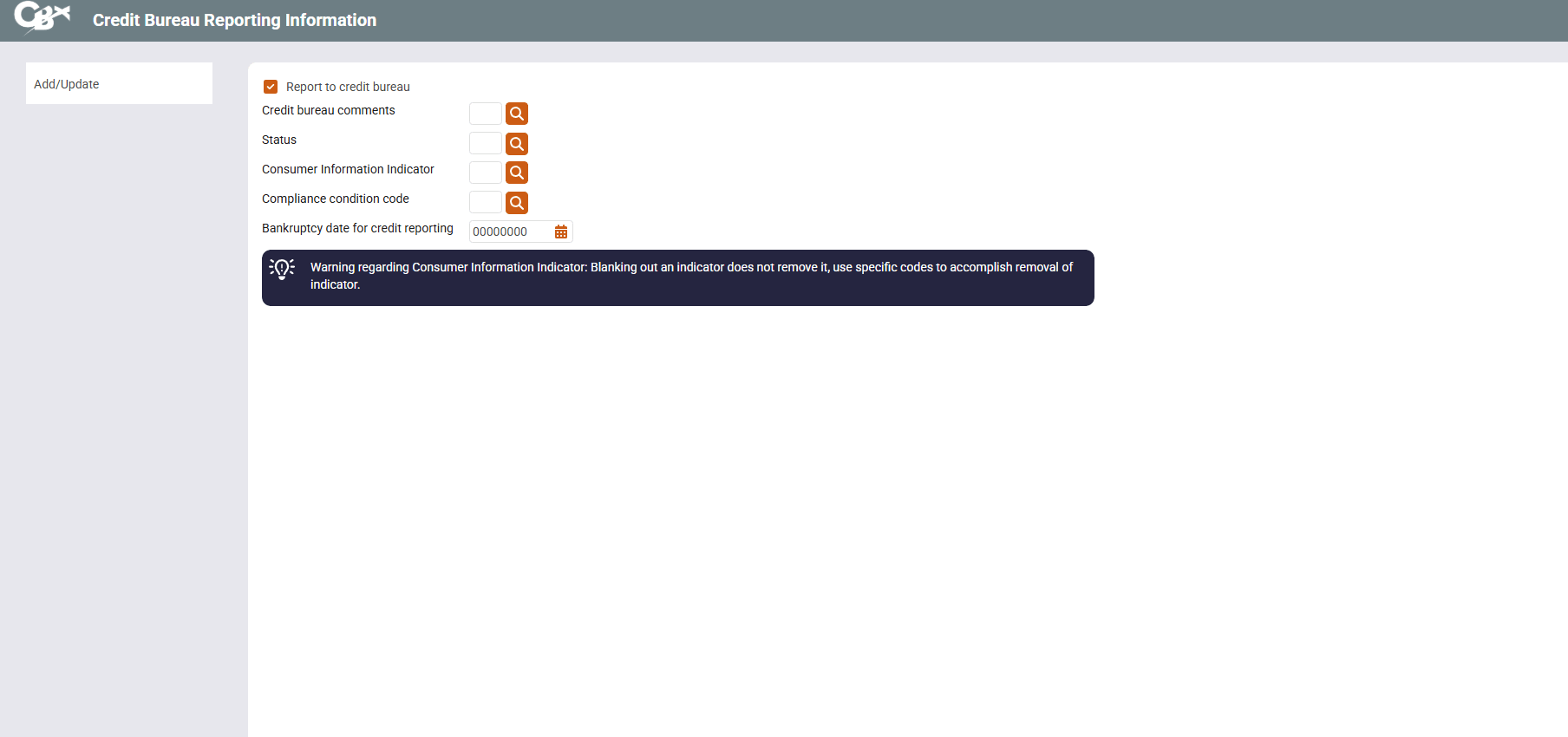
This screen appears when you click Credit Reporting Info on the Account Information Update screen for any loan account, or when you use CRon the Write Off Loans screen.
Screen Details
This screen contains all of the flags and status codes that are used when reporting this loan to the credit bureau(s). Click the lookup button  to see a list of valid codes. When done, press Enter to save and return to the previous screen.
Field Descriptions
|
Field name |
Description |
|---|---|
|
Report to credit bureau |
Indicates whether or not the loan is reported to the credit bureau(s).
|
|
Credit bureau comments |
These two 1-character fields are used for Credit Bureau reporting purposes. Click the look up button If you wish to enter a 2-character code, enter the first letter into the first field, and the second letter into the second field. Click here for a list of valid codes. |
|
Status |
This is used to report the status of the loan account as it relates to credit bureau reporting. Click the look up button If this field is left blank (00) and the account is delinquent, CBX will determine the appropriate numeric credit bureau code (71 through 84) to be reported. However, if you wish to override the code calculated by CBX, you may enter a valid status code here and it will be reported instead. Click here for a list of valid codes. |
|
Consumer information indicator |
Use this to report the member's bankruptcy status, or to change/remove a previously-reported bankruptcy status. Click the look up button Click here for a complete list of codes. This indicator is a little different from the others. You only need to report a bankruptcy indicator once. But if you wish to remove a previously-reported bankruptcy status for a member, you must enter one of the designated removal codes. Leaving the field blank does NOT remove a previously-reported bankruptcy code. |
|
Compliance condition code |
Use this code when reporting consumer disputes and other conditions it compliance with the Fair Credit Reporting Act (FCRA). |
 to choose from a list of valid codes.
Related Resources
Visit Show Me the Steps for easy instructions for steps if a member declares bankruptcy.
Visit Show Me the Steps to learn how to write off/charge off a loan.