Add/Modify Group
|
Screen ID: Screen Title: Panel ID: |
UTSLST-05 Add/Modify Catalog Group 2983 |
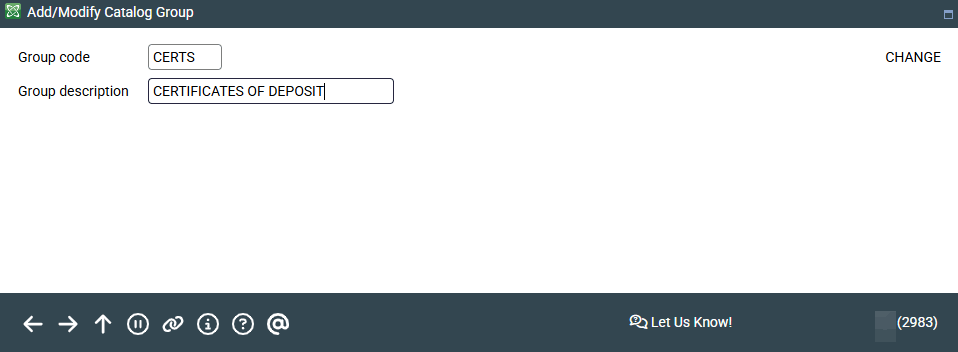
Access this screen by selecting a catalog group on the previous screen and then "Change" or "View."
Enter a code and description and press Enter to save. When done configuring groups, use the back arrow to return to the catalog screen and set up the individual catalog items.