Import Membership Applications (Import File to Process)
| Screen ID: | n/a | 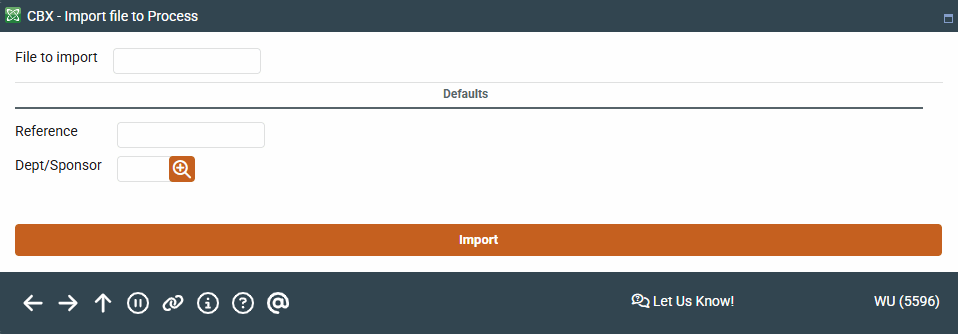
|
| Screen Title: | Message Detail | |
| Panel ID: | 5596 | |
| Tool Number: | 13 | |
| View full-size screen |
Access this screen by selecting a message in Import Membership Apps on the Work with Member Online Banking Requests screen.
Screen Overview
Fill in the following screen as follows:
-
Enter MBRIMPORT in the File to import field.
-
The Reference is a required field. Enter something that will help track the records in this upload. This will be recorded in Reference field in the application. Once the membership is created this is populated in the OLDACT field in the MASTER file.
-
Use the lookup to select a Dept/Sponsor. This is used when the membership is created. It is a required field.
Use Import to advance to the next screen.
Related Resources
Learn more in the "Importing a List of Prospective Member Names into the Pending Membership Database" booklet.
Approving a Membership Application
Deleting a Membership Application
Viewing Credit Information for Membership Applications
View more member-facing online banking videos!