A2A Transfer Control List
| Screen ID: | A2AMBR-01 | 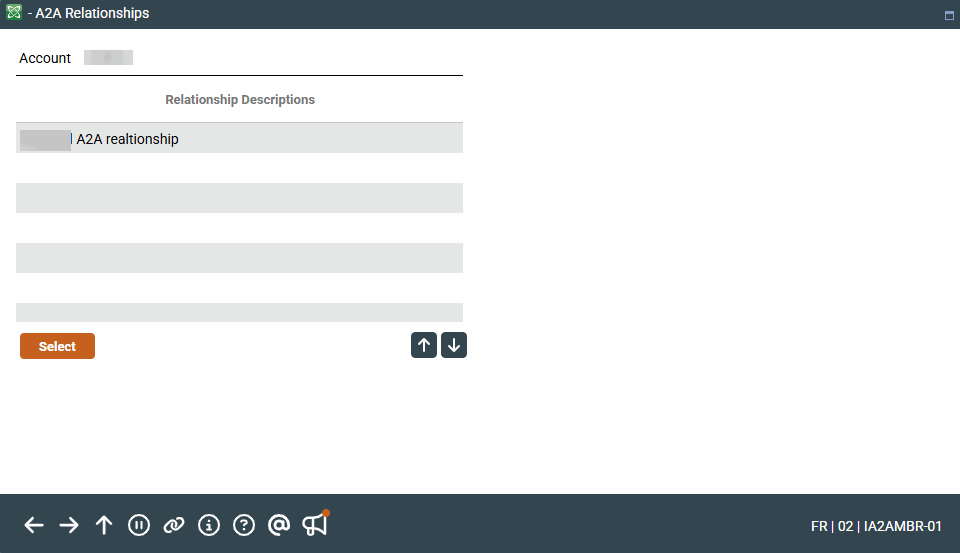
|
| Screen Title: | A2A Relationships | |
| Tool Number: | Multiple | |
| View full-size screen |
Access this screen when you select A2A In or A2A Out from the Transfer screen, when accessing it by Phone Operator or when creating an AFT (incoming or outgoing using an account with a Account to Account relationship.
Screen Overview
This screen lists the Account-to-Account relationships that the credit union has previously configured for the member in the Account-to-Account relationship setup screen from Member Personal Banker. This transfer control list allows the member to transfer funds to and from accounts at other financial institutions. Select an account to return to the transfer screen to complete the transfer or to the next AFT screen listing the accounts in the transfer.