Completing Member Survey (entry)
| Screen ID: | IMSR-01 | 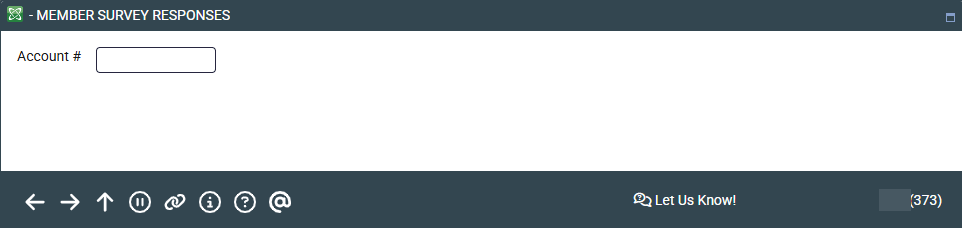
|
| Screen Title: | Member Survey Responses | |
| Panel ID: | 376 | |
| Tool Number: | 996 | |
| View full-size screen |
Access this screen by selecting Tool #996 Work With Member Survey Response (Shortcut: survey).
Screen Overview
Use this screen to begin recording a members response to a survey. Enter the member's account number and press Enter to advance to the next screen.
Related Resources
For information about configuring survey questions or analyzing survey results, refer to the booklet, Using the Member Survey.