Formatting Numeric Data - Date/Time
|
Screen ID: Screen Title: Panel ID: |
Report Builder (Query) Describe Date/Time Field Editing QRYDTTM |
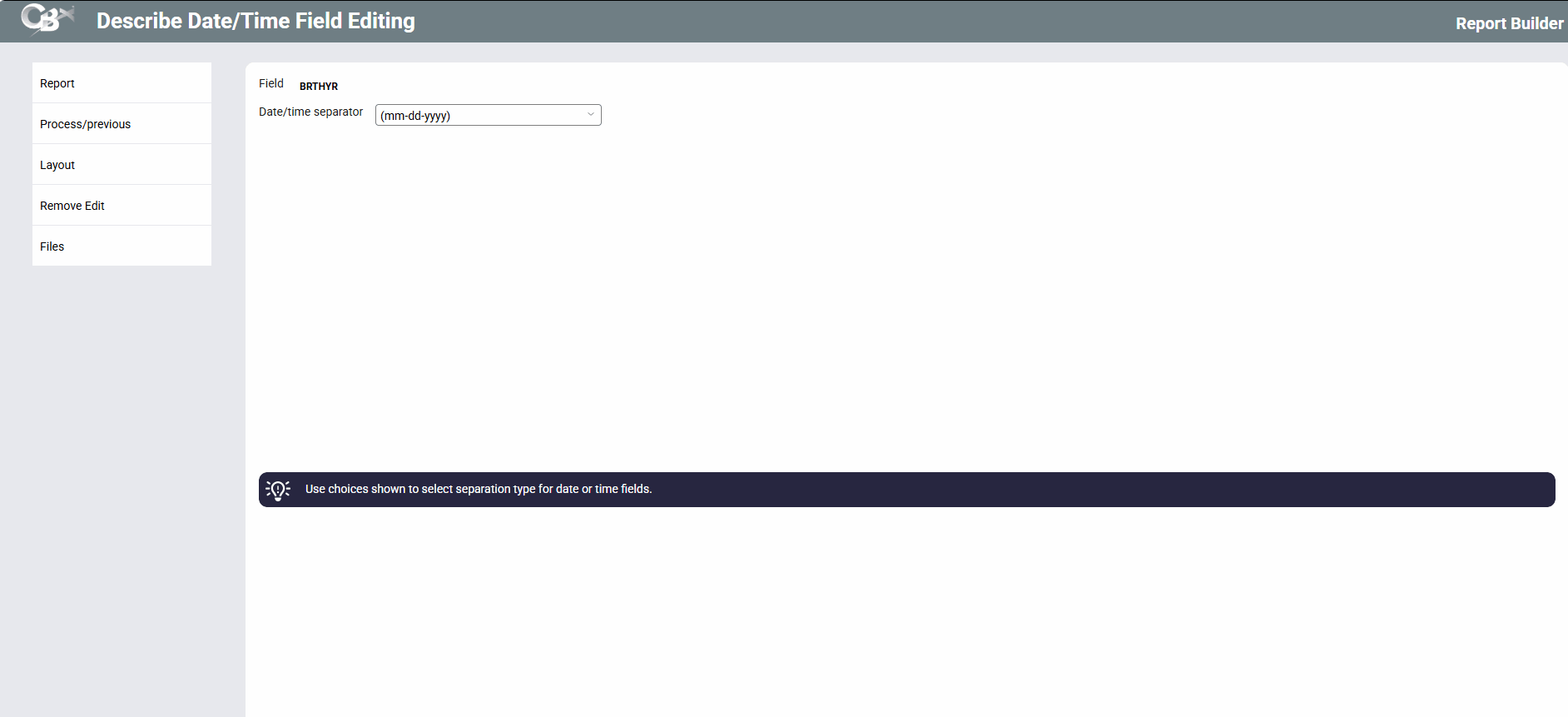
This screen appears when you use the Date or Time Editing(2) on the Format Numbers screen.
Screen Overview
Use this screen to choose a format for dates and times. Use the choices shown to select a separator for date or time fields. For example, use the slash ( / ) to show a date as 05/01/03, or use a colon ( : ) to show a time as 14:24:34.
When done, press Enter to save changes and return to the Format Columns screen.