Credit Union PIB Settings
| Screen ID: | UCUPIB-01 | 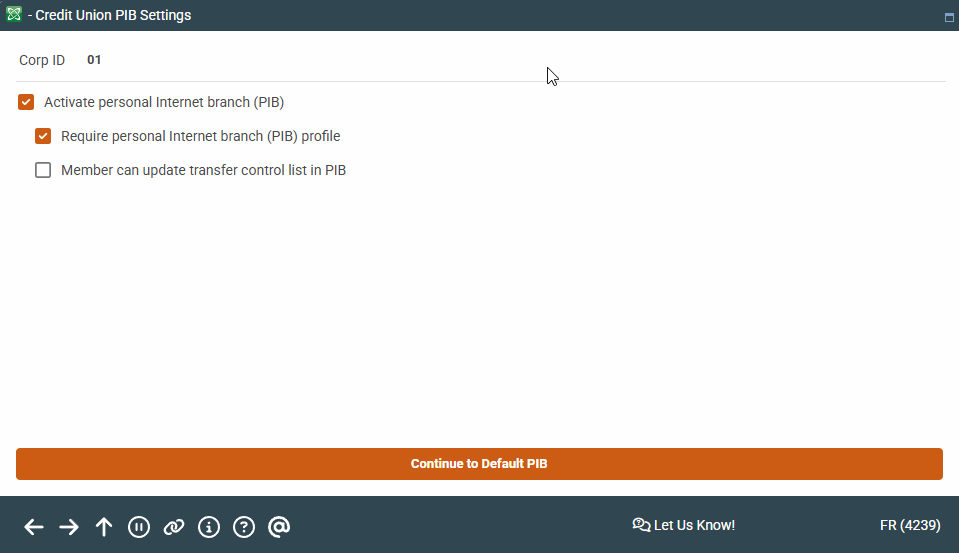
|
| Screen Title: | Credit Union PIB Settings | |
| Panel ID: | 4239 | |
| Tool Number: | Multiple | |
| View full-size screen |
Access this screen by selecting "PIB" and the Select option on the Online Banking Configuration Options screen.
Screen Overview
If the first Activate flag is turned on, two additional screens will appear first to allow you to set up a default PIB Profile. Refer to the separate It's Me 247 Personal Internet Branch (PIB) Configuration/User Guide for details.
Press Enter to move to the PIB configuration screens.