Denying a Loan or Other Service (2)
|
Screen ID: Screen Title: Panel ID: |
UDNR-02 Statement of Denial, Termination, or Change 4361 |
|
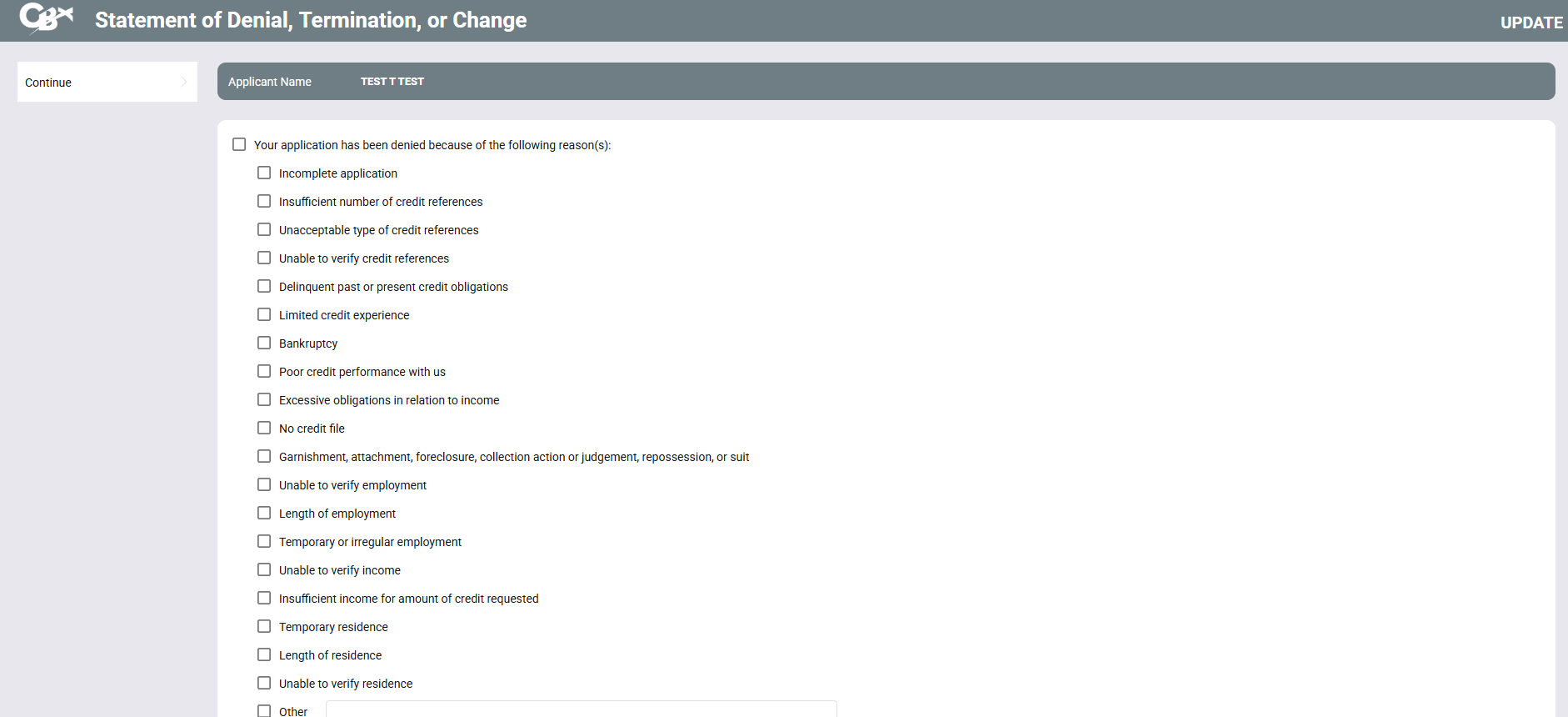
Access this screen by pressing Enter on the previous loan denial screen.
Screen Overview
This screen shows the second part of a three-part form used to generate a Notice of Denial for loans or for other miscellaneous member service needs. Enter the text to “fill in the blanks” on the printed denial notice form. Place a check and fill in the blanks wherever appropriate and click Continue proceed to the next screen.