Completing a Member Survey (2)
| Screen ID: | UMSR-02 | 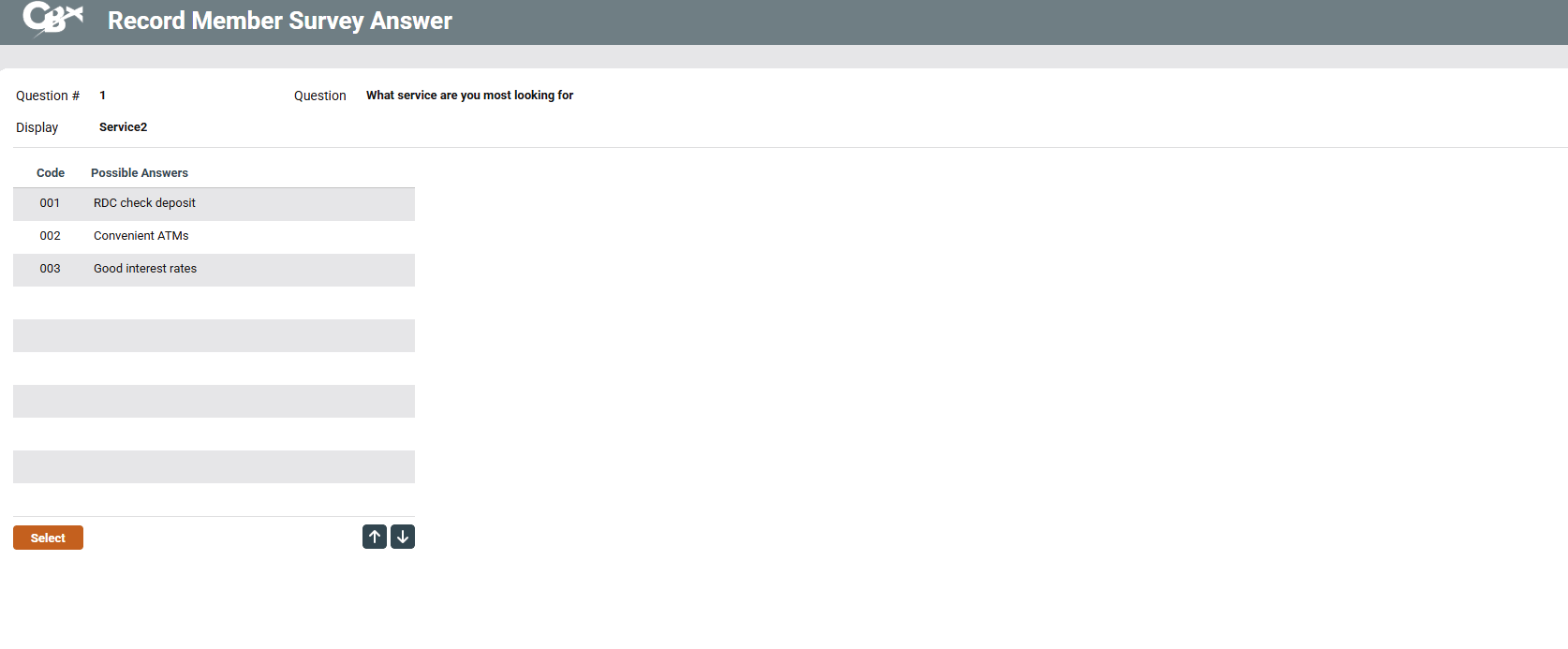
|
| Screen Title: | Record/View Member Survey Answers | |
| Panel ID: | 6306 | |
| Tool Number: | 996 | |
| View full-size screen |
Access this screen by selecting a question on the previous screen.
Screen Overview
This screen is used to choose a response to the survey question selected on the previous screen. Notice that several choices may be given, depending on how the question was configured.
Select the desired answer and press Enter or Select to record the response and return to the previous screen. The message “Member Response Was Added” will appear as confirmation.