Choose Style for Printed Statements
| Screen ID: | UMSTMT-01 | 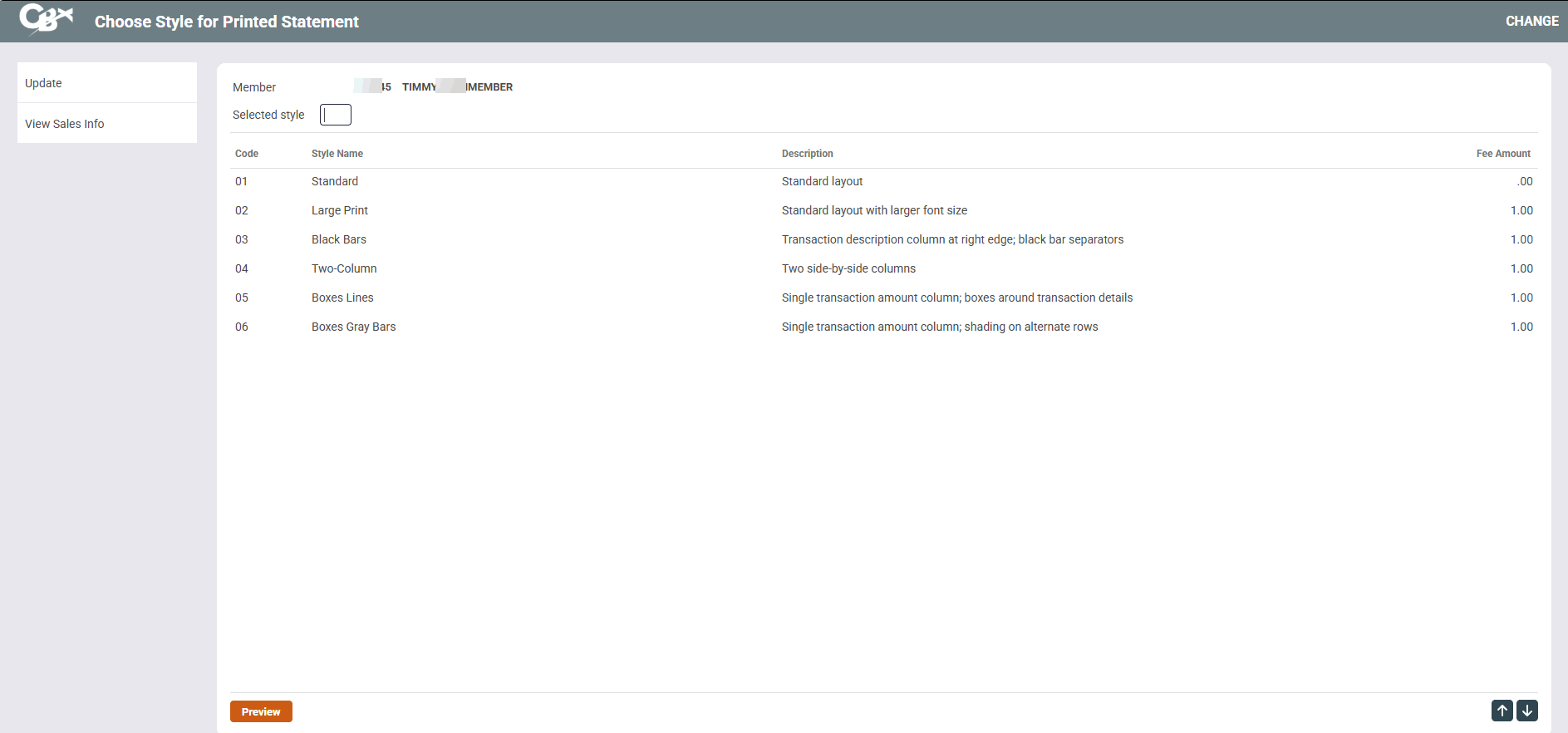
|
| Screen Title: | Choose Style for Printed Statements | |
| Panel ID: | 4252 | |
| Tool Number: | 14 | |
| View full-size screen |
Access this screen by selecting "Statement Styles on Printed Statements" on the Member Personal Banker screen.
For more information access the booklet: Member Selected Statement Styles.
Use this screen to select a printed statement style for a specific member. Member Selected Statement Styles drive the idea of statements having value by adding the ability for the member to choose a personal paper option, as well as the concept of “paper statements for a fee” (with e-Statement eventually maybe becoming the only free option).
Select the Style for the member, then click the “Choose” icon to select a style for a member. Or click Preview to view a PDF sample of the statement style. Use the back arrow to exit the screen.
There is no PDF sample for Style 99.