Pre-Membership Lending
|
Screen ID: Screen Title: Panel ID: |
UNONWN-01 Pre-Membership Lending 6922 |
|
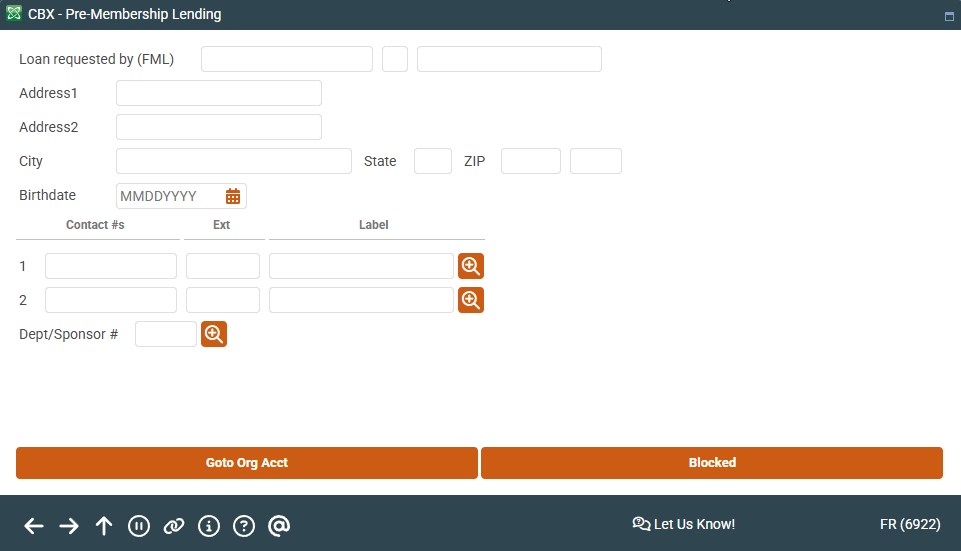
Access this screen after entering an SSN or TIN on the entry pre-member lending screen and pressing Enter.
Screen Overview
Enter basic information about the non-member system including name, address, phone number, birthdate, etc., before proceeding to the loan request screen. (NOTE: If configured in workflow controls, you will first run this non-member through Blocked Persons and OFAC scans.)
Related Resources
Learn how to complete tasks related to opening a new loan.