Setting Up Overdraft Protection Accounts (3)
|
Screen ID: Screen Title: Panel ID: |
UODMST02 Member Overdraft Protection 2599 |
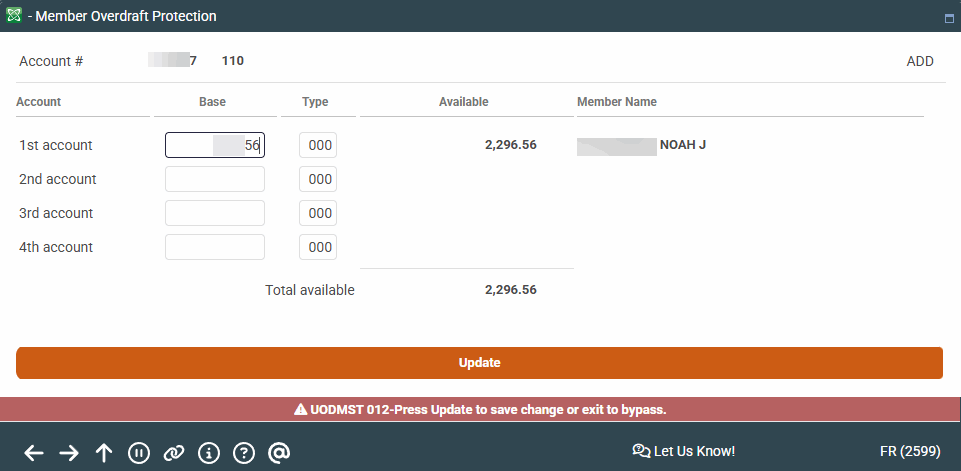
This third screen follows the second screen and lets you specify up to four accounts to be used as overdraft protection for the account chosen on the previous screen.
Screen Overview
If funds are needed, they will be taken from the first account in the sequence. If funds are not available in that account, the system looks in the next account number in the sequence, and so on, using up to four (4) accounts according to credit union policy.
Enter up to four valid account base numbers and account type suffixes (can use different base accounts if necessary). Confirm the names are correct and use Update to save the additions or changes. You will be returned to the previous screen and may edit a different account.
Related Resources
Why did my member get charged a fee?