PIB Confirmation
|
Screen ID: Screen Title: Panel ID: |
UPIBCFG-04 PIB Confirmation 5054 |
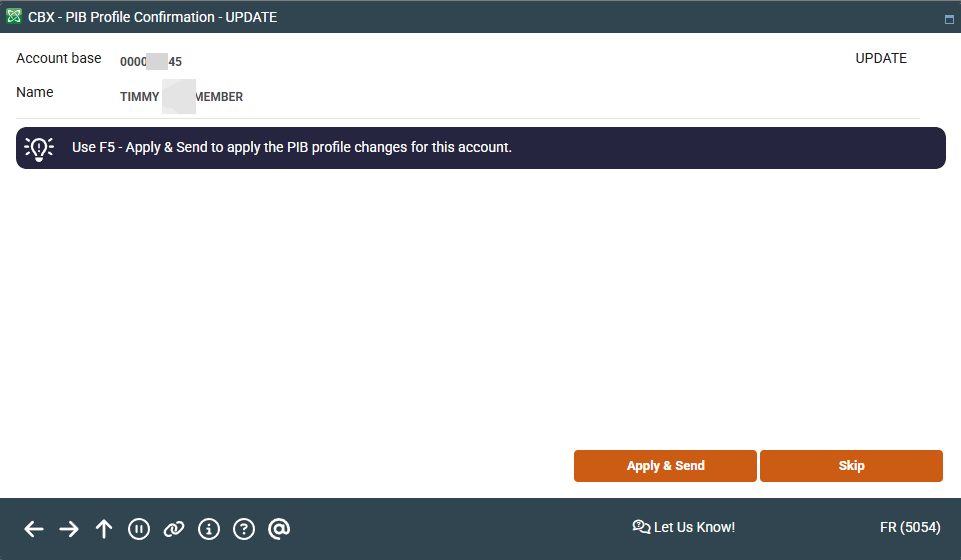
Access this screen by clicking the forward arrow (Enter) on the previous PIB screen.
Screen Overview
This final screen lets you save all of the changes made to the PIB Profile. Use Apply & Send to save the changes and return to your starting point. This will also send an email to the member’s email address stating that the PIB profile was changed.
Related Resources
Logging in to Online Banking for the First Time (yes username, yes PIB) (member video)
View more member-facing online banking videos
Logging in to Online Banking for the First Time (no username, yes PIB)