Configure ACH Routing & Transit Numbers (1)
|
|
| Screen ID: | URTMST-01 |
| Screen Title: | Credit Union Routing & Transmit Master |
| Accessed by Tool Number: | 5425 |
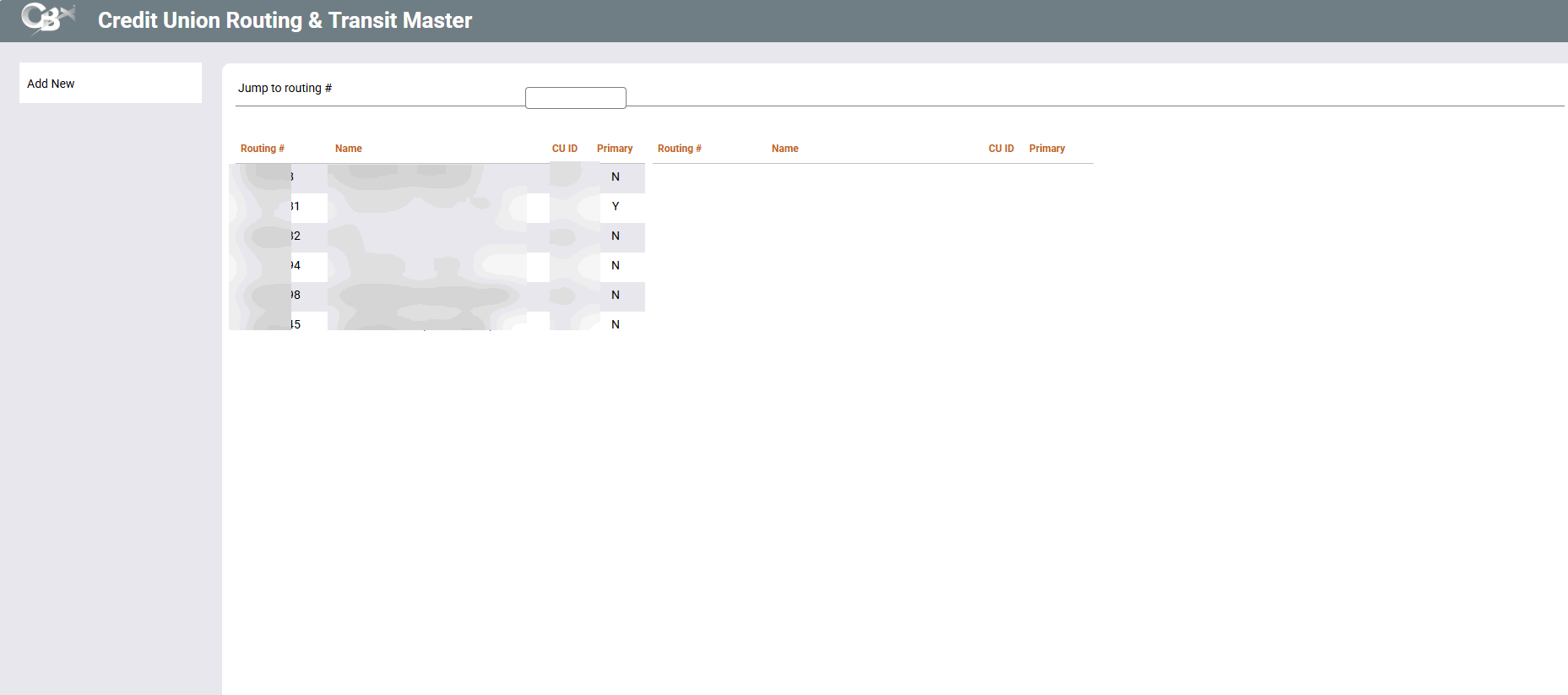
This screen populates a file called RTMST, which is used by applications such as ACH where R&T numbers for multiple credit unions are needed for cross reference in a single configuration file. More than one R&T number can be entered for the same credit union name. Data is stored in a central library (CUBASEFILE) for access via all CUs.
Use Delete to remove this entry from the RTMST file (BE CAREFUL: there is no confirmation for this procedure!).
Remember that a credit union’s R&T number is also configured via Chart of Accounts maintenance (the Corporation record) and entered into the Credit Union Master Definition (CUMSTRPF) file.
Type a Routing number (or select an existing one) and press Enter or Select to proceed to the next screen.
Online credit unions are not able to access this screen. If you would like any of these settings to be changed for your credit union, contact a Client Service Representative. self-processing credit unions should also consult a Client Service Representative for advice before making changes to these settings. Remember that some features used in a service bureau environment are not appropriate in the in-house environment.